
How Can a Writer Be More Productive?

Writing problems do not always begin with a lack of ideas. An improvised desk, constant context switching, and a workspace that does not distinguish focused work from recovery can make it harder to turn ideas into finished content. A writer can be more productive by giving writing a clear physical space, a repeatable setup, and a simple priority system.
Bloggers and business writers still need to create, generate, improve, and distribute well-written content for their readers. Even highly productive writers look for ways to boost their productivity at work. The solution is not only discipline or inspiration. It often begins with the workstation and the habits built around it.
What Is Writing Productivity?
Writing productivity is the ability to move useful work from idea to finished draft with consistent quality. Productive writing includes thinking, researching, drafting, revising, and preparing content for distribution. It does not simply mean producing more words. It means completing the right writing activity with fewer avoidable delays.
A productive session can be short or long. What matters is whether it advances a defined project, preserves useful ideas, and leaves the writer ready for the next step. Clear physical and digital work areas support that continuity by reducing the time spent searching for notes, deciding what to do, or rebuilding the same setup.
An organized workspace can support that process by keeping necessary tools available and reducing the distractions in the workspace that compete for attention. Some writers reason that the messier their tables are, the more inspired they become. Preferences vary, and not every writer needs a perfectly clean desk. The useful goal is a writing space that makes the next task obvious and keeps unrelated clutter from taking over.

How Can an Organized Workspace Increase Writing Productivity?
Many bloggers perform better with a neat, well-organized writing workspace, while others prefer some visible materials and creative clutter. The best setup is not the emptiest one. It is the one that gives the writer a dependable place for focused work, a comfortable place for non-computer tasks, and a clear way to reset the space after each session.
The Two-Zone Room
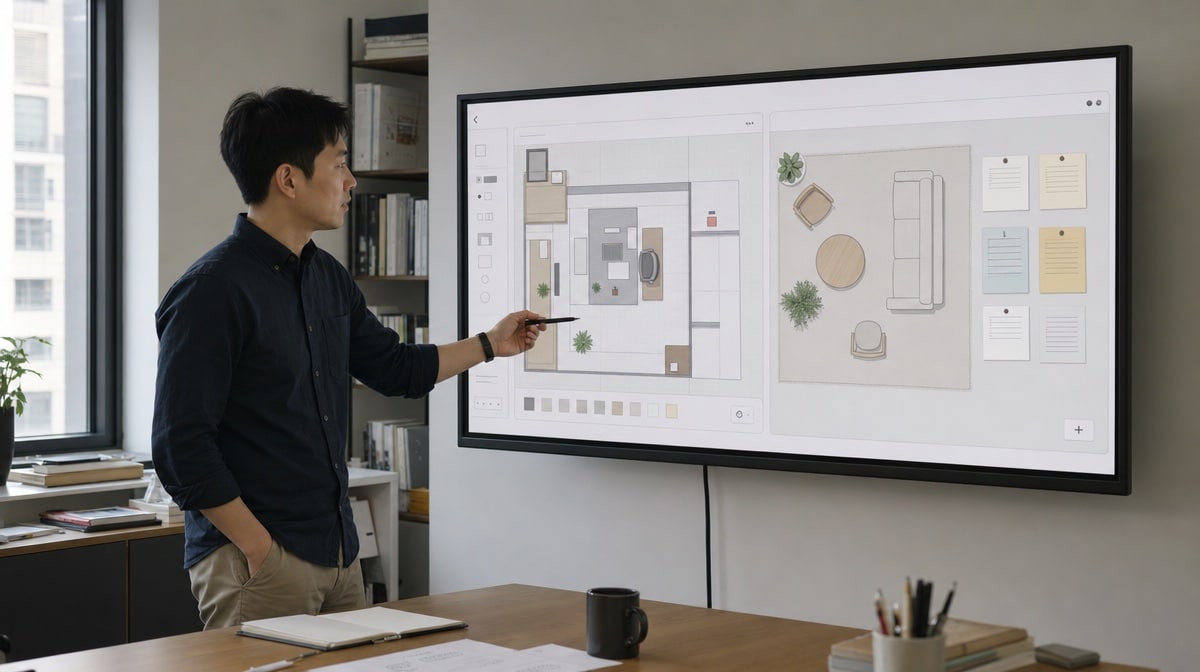
Neil Patel suggested a two-zone strategy for maximum productivity. The method divides the available workspace into a computer zone and a non-computer zone. Those zones can occupy different parts of a room or simply different parts of the same writing table.
The computer zone contains the laptop or desktop used for thinking, drafting, editing, and publishing blog posts. The non-computer zone supports reading, reviewing printed pages, outlining by hand, relaxing briefly, or developing blogging ideas without staring at the writing computer. This separation gives each kind of work a recognizable place and makes switching tasks more deliberate.
Organizing the Computer Zone
For a writer, having an organized computer zone is central to productive writing. Start by arranging the writing table, writing chair, computer, light, and frequently used materials so they support the work instead of interrupting it. A strong setup should feel easy to enter, easy to maintain, and easy to leave ready for the next session.
Writing Table
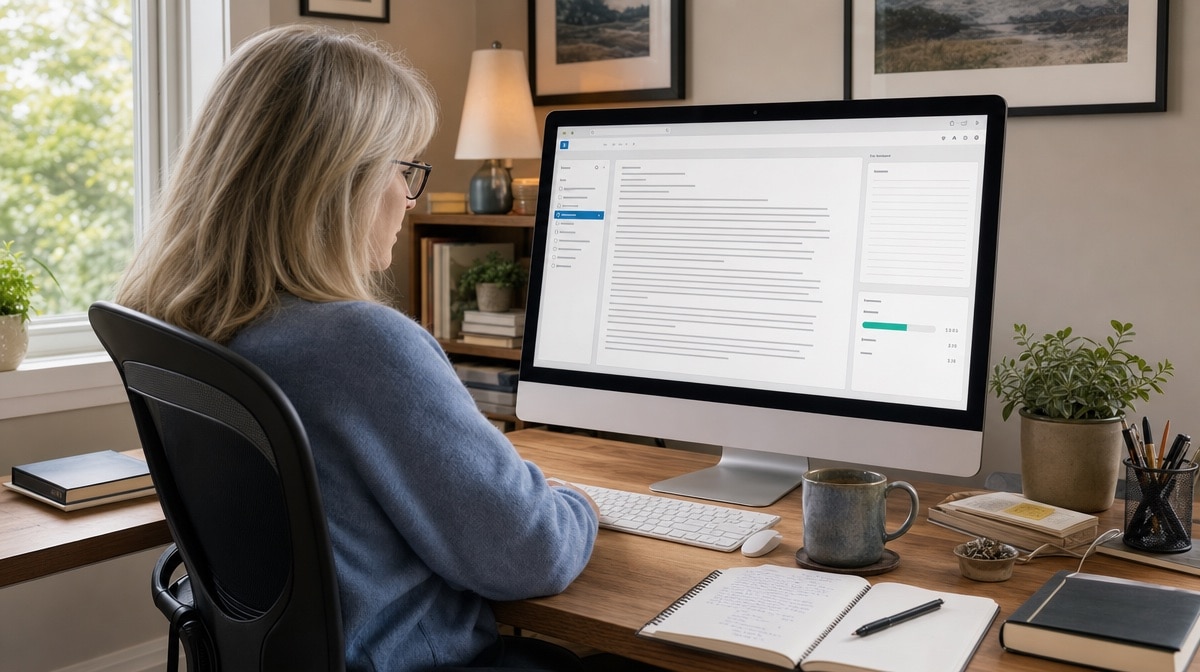
Your writing table is the center of your writing activity. Keep the desk neat enough that nonessential items do not cover the work surface or hide the tools you need. A computer and lamp form the basic setup for many writers. An excellent add-on can be space for a cup of your favorite tea or coffee, a notebook, and a live plant that serves as both inspiration and decoration.
Writing Chair
Writers spend much of their working time sitting, so the writing chair should be comfortable and should support the back. OSHA’s computer-workstation chair guidance recommends an adjustable chair, back support, supported feet, and a setup that lets the user work without awkward reaches. The chair, table, keyboard, and screen need to work together rather than forcing the body into one rigid position.
Writing Computer
Desktop computers, all-in-one computers, laptops, and external monitors can all support blogging activities. Choose the computer technology that fits the available space and the kind of writing you do. Fewer unnecessary wires can make a workspace feel uncluttered, but device type matters less than a reliable setup and a clear work surface.
You may also synchronize notes, drafts, research, and other devices and technologies. A shared system makes it easier to capture ideas and notes throughout the day, then find them when the next writing session begins. Keep that system simple enough that organizing files does not replace writing them.
Organizing a Non-Computer Zone
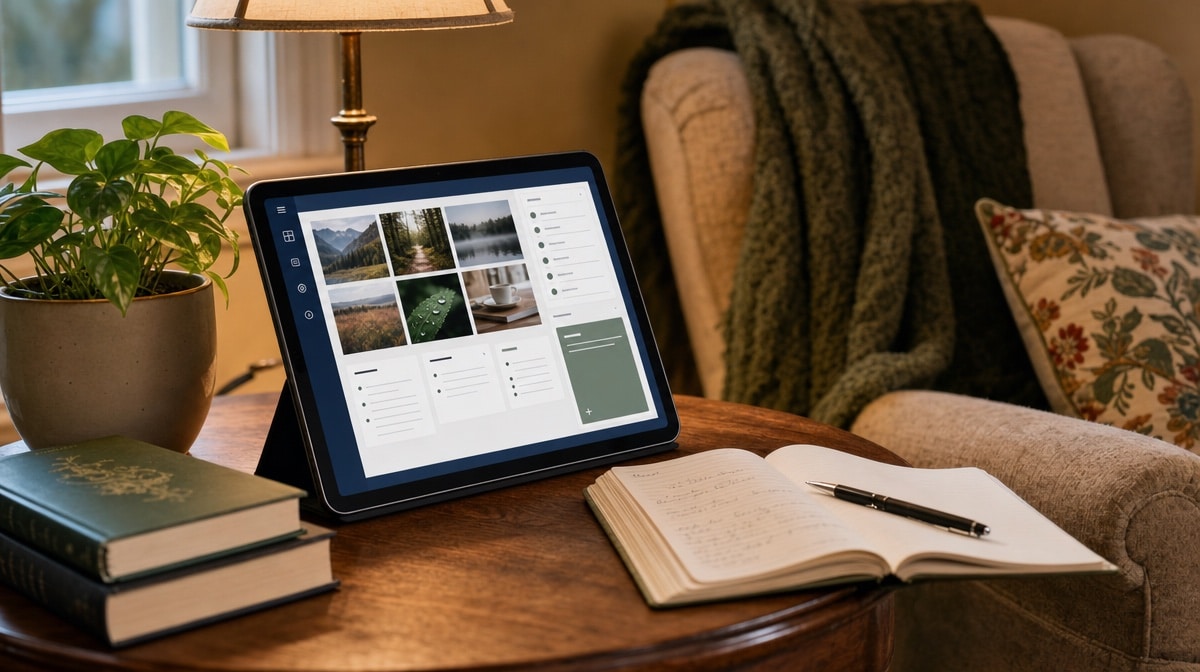
Your non-computer area should be cozy and comfortable because you may use it to relax, read, think through blogging ideas, or review printed material. A change of position can mark a change of task and help reduce stress. The area does not need to be large. A chair, a small side table, useful lighting, and a place for books or notes can be enough.
Which Wall Color Is Best for Writing?
Some writers prefer blue and green because they find those colors soothing to the eyes. Others concentrate well around beige, gray, white, or other neutral colors. Wall color is a matter of preference, available light, and the kind of atmosphere that helps you focus. Use a finish that limits distracting glare and a palette that does not compete with the screen or printed page.
What Lighting Helps Writing?
Writers sometimes use cool or cold lights for focused work and warm lights for reading or winding down, but no single color temperature guarantees productivity. The more important questions are whether the page and keyboard are easy to see, whether light reflects from the monitor, and whether the room creates harsh contrast. OSHA’s computer-workstation lighting guidance recommends sufficient illumination, diffuse light, adjustable task lighting, and control of screen glare.
Use Pictures, Books, and Other Inspiring Things
Writers go to the non-computer zone for a change of pace and a boost of inspiration. You may hang photos, funny quotes, or pictures that connect to the work. You can also place must-read books on a shelf and pick one up during a lull in writing. Keep these inspiring things selective so the area remains useful rather than becoming another storage zone.
What Other Habits Can Boost Writing Productivity?
Dividing the workspace into computer and non-computer zones creates a physical structure. A few behavioral habits add scheduling and order to that structure and can increase your business productivity. These habits should make it easier to start and complete writing, not add a complicated system that needs constant maintenance.
Avoid Writing in Bed as the Default
Some writers can capture a useful idea while sitting in bed or working briefly at a kitchen table. The problem begins when a temporary spot becomes the default for sustained writing without a stable surface, supportive position, useful light, or separation from relaxation. A specific area that your brain can recognize as your workspace can make the transition into focused work easier.
If the writing table is available, keep it ready for the task. If you must work elsewhere, recreate the essential parts of the computer zone: a stable surface, comfortable chair, needed devices, and a short list of priorities. The goal is not to ban creativity from the cozy cot. It is to avoid letting comfort, poor positioning, or household distractions interrupt the work.
Avoid Clutter When Writing
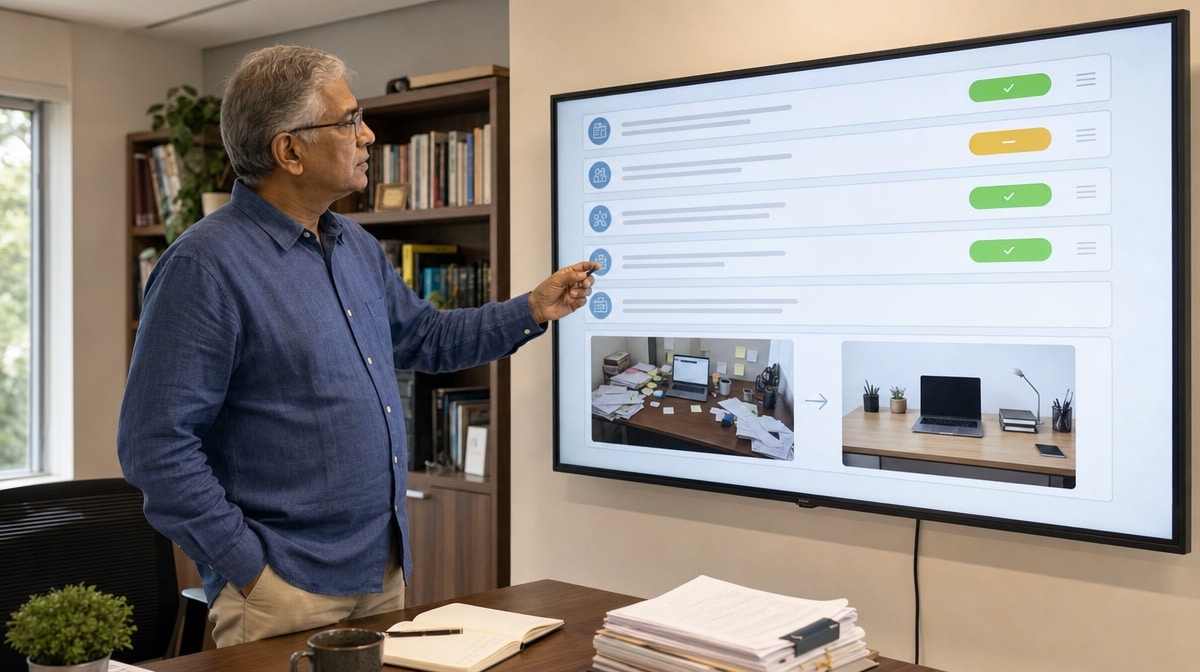
Writers are creative people, and some think visible materials are a must-have. A little creative clutter may be useful, but unrelated papers, devices, and objects can make the next action harder to see. Use Lean 5S methods to sort the writing space, keep useful items close, and give documents a clear home in desk drawers or shelves.
A clutter-free desk does not automatically cure writer’s block, and a messy desk does not automatically prevent productivity. Focus on utility. At the end of a writing session, return reference materials to their places, close unrelated browser tabs, and leave the next task visible. That small reset helps the organized workspace remain organized.
Learn to Prioritize and Stick to Your Writing Plan
It is important to have a writing plan to document processes and procedures. A writing plan helps you stay focused and make a writing contribution on a regular basis. It also defines what finished work looks like, which keeps research, drafting, and editing from expanding without a clear end.
Start the day with a to-do list of the writing tasks you must accomplish. Put projects in order of priority, begin with the first meaningful task, and work down the list one by one. Calendar important jobs and deadlines so they do not disappear behind the work that feels easiest. If priorities change, revise the plan deliberately rather than abandoning it.

How Do Organized Writing Workspaces Increase Productivity?
Writers weave words that inform readers, document processes, explain decisions, and sometimes touch hearts and minds. If you need a boost in writing productivity, begin by creating an organized workspace that supports the work you actually do. Dividing the room or desk into computer and non-computer zones gives drafting, reading, and reflection distinct places.
Keep the writing table useful, choose a comfortable chair, manage light and glare, and synchronize the devices and technologies that carry your ideas. Avoid clutter that hides the next action. Use Lean 5S where it helps, then follow a writing plan, priority list, calendar, and deadlines. The result is not a perfect office. It is a repeatable environment that helps a writer become productive and keep getting writing done.
Original contributor: Rosa Hemming, a professional writer and blogger from the United States.
Frequently Asked Questions
What Is Writing Productivity?
Writing productivity is the consistent movement from idea to finished, useful content. It includes research, drafting, revision, and preparation for distribution, not only the number of words produced.
How Can an Organized Workspace Help a Writer Be More Productive?
An organized workspace keeps tools available, reduces avoidable distractions, and makes the next task easier to see. The best setup fits the individual writer and can be reset quickly after each session.
What Is a Two-Zone Writing Workspace?
A two-zone writing workspace separates computer tasks such as drafting and editing from non-computer tasks such as reading, outlining, and reviewing printed pages. The zones can occupy separate areas of a room or different parts of one desk.
How Can Writers Reduce Distractions and Clutter?
Writers can remove unrelated items, give documents a home in drawers or shelves, close unrelated browser tabs, and leave the next task visible. Lean 5S can provide a simple routine for sorting and standardizing the writing space.
Why Should Writers Use a Writing Plan and Priority List?
A writing plan defines the work, its priority, and what completion means. A to-do list and calendar then help the writer stay focused, contribute regularly, and meet deadlines.














