
What is Business Process Automation (BPA)

Every business has repeatable work, but too much of it still depends on someone copying information, checking a status, sending a reminder, or moving a request to the next person. Those manual handoffs slow down otherwise sound business processes and make it harder to see where work is waiting.
Business automation addresses that problem by letting technology perform predictable steps. Business Process Automation (BPA) can reduce routine effort, shorten cycle times, improve consistency, and give employees more time for work that requires judgment.
What Is Business Process Automation?
BPA can be defined as the use of technology to remove the need for manual work from people by having technology do repeatable process steps instead. It can involve the use of robotics to complete tasks, such as those in manufacturing plants. More often, it means using software platforms that automate electronic tasks like updating databases, routing forms for approval, or automatically making orders for supplies.
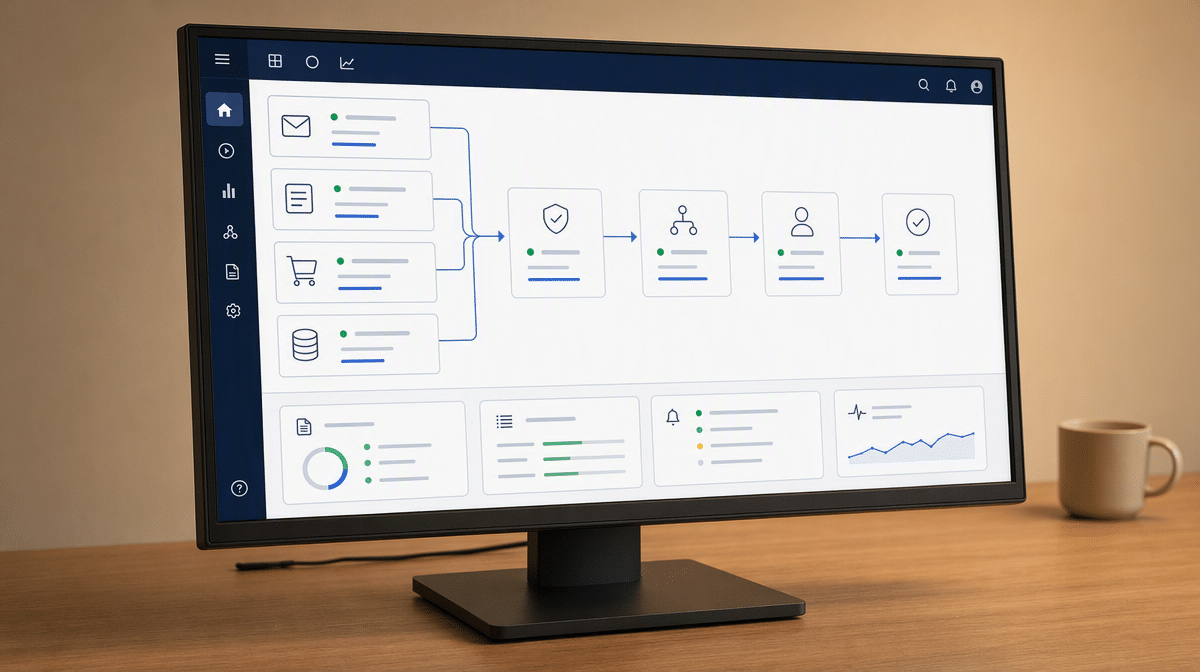
A BPA workflow normally has a defined trigger, a set of rules, an owner, and an expected result. It may capture information from email or a form, validate required fields, update another system, notify the right person, and record completion. The best candidates are stable, high-frequency processes with clear inputs, decisions, and exceptions.
Business process automation is broader than a single software bot. Robotic process automation can mimic user actions in existing applications, while BPA can coordinate people, data, approvals, software, and physical automation across an end-to-end process. Digital.gov’s RPA Playbook similarly focuses automation on repetitive, rules-based work so employees can concentrate on higher-value responsibilities.
How Are BPA, RPA, and BPM Related?
Business process management, or BPM, is the broader discipline of designing, documenting, measuring, and improving processes. BPA is the use of technology to execute selected steps or connect the process from beginning to end. RPA is one automation method, typically used when software must perform routine actions through an existing application interface.
A company might use BPM to redesign how purchase requests should move through the business, BPA to coordinate the request, approval, order, and notification stages, and RPA to enter approved information into a system that lacks an integration. The terms overlap, but keeping their roles clear prevents a software task from being mistaken for a complete, managed business process.
Cost Savings
Keeping costs as low as practical is essential if a business is to thrive, but the strongest savings do not come only from reducing staffing costs. BPA can reduce repeated data entry, rework, delayed approvals, missed follow-ups, and the time employees spend finding information. The same team can handle more work while focusing its expertise on customer decisions, unusual cases, and process improvement.
Speed
Menial tasks like updating a database can take time, and they can also be very cost-inefficient. Time-consuming processes are not only a problem in terms of staff hours, but they can also be a problem in terms of deadlines. BPA can finish otherwise time-consuming tasks in a fraction of the time it would take a person to do them. This can help you meet deadlines and expand your current capacity.
Accuracy
Even the most attentive people will make mistakes, especially when they process large volumes of data. Automation can reduce human error by applying the same validated rule every time, but it can also repeat a bad rule or bad input at scale. Accuracy therefore depends on data validation, exception handling, testing, monitoring, and a person who remains accountable for the result.
That oversight becomes especially important when automation uses artificial intelligence to classify, recommend, or decide. The NIST AI Risk Management Framework emphasizes governance, measurement, monitoring, and clearly defined human roles for AI systems. BPA should make responsibility easier to follow, not hide it inside software.
What Are Examples of Business Process Automation?
Automation can help your business and your personal life as well. One way that technology helps is by taking on tasks that would otherwise require manual effort, and a wide range of software and hardware has been made to that effect.
BPA can be used in a number of ways in various departments throughout just about any business. The following examples show how the same pattern of trigger, rule, action, exception, and record can support very different kinds of work.
Email Automation
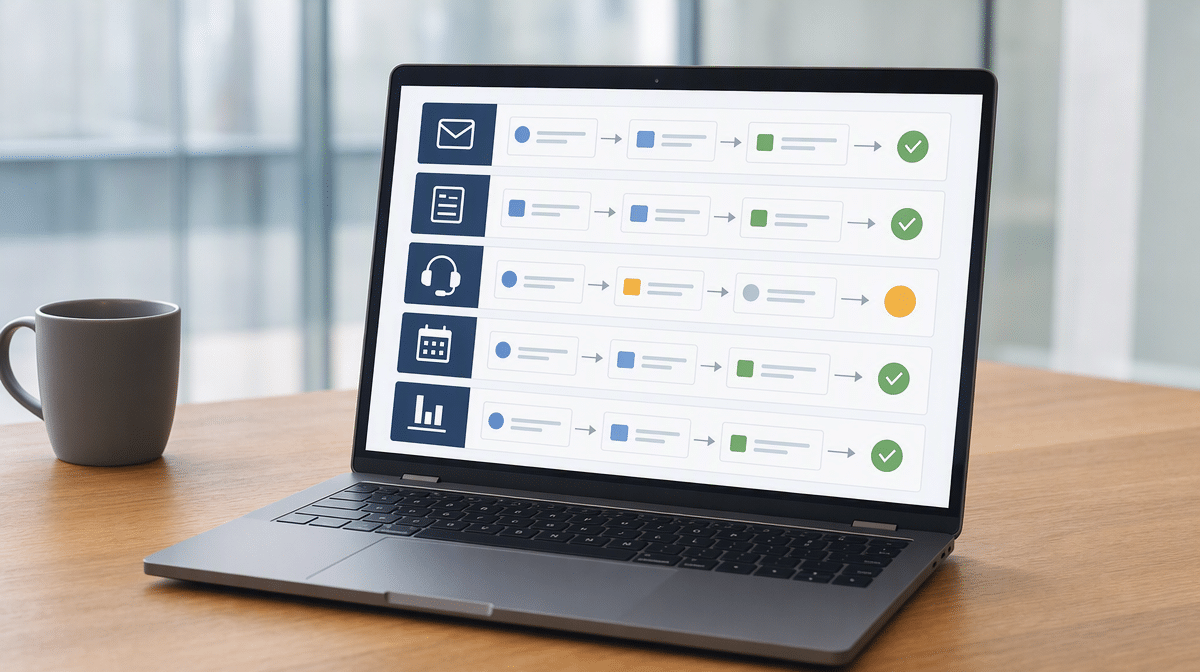
Processing information received by email can be time-consuming, but BPA can help you manage email effectively. The necessary information can automatically be added to corresponding spreadsheets or databases, while files can also be automatically transferred to the correct record or folder.
Email automation also makes it easier to send messages in bulk and to have emails sent automatically when certain criteria are triggered. A workflow can acknowledge a request, extract data, assign a task, set a due date, and escalate the work when nobody responds. Communication is faster, but the process still needs clear consent, security, and review rules.
Order Entry Automation
Order entry can be a very time-consuming process, and errors are almost inevitable when people are processing large volumes of data. Automating the process can save time both in the order entry itself and in having to rectify common quality mistakes.
An automated order workflow can validate a customer and product number, check required fields, create a record, notify fulfillment, and flag exceptions such as missing information or an unusual quantity. The system handles the normal route quickly, while an employee investigates anything that falls outside the rule.
Customer Support
Customer service is extremely important, but it is also costly and time-sensitive. Tickets must be acknowledged, categorized, assigned, and tracked. People are likely to have queries round the clock, and having customer support staff working 24/7 is not feasible for many businesses.
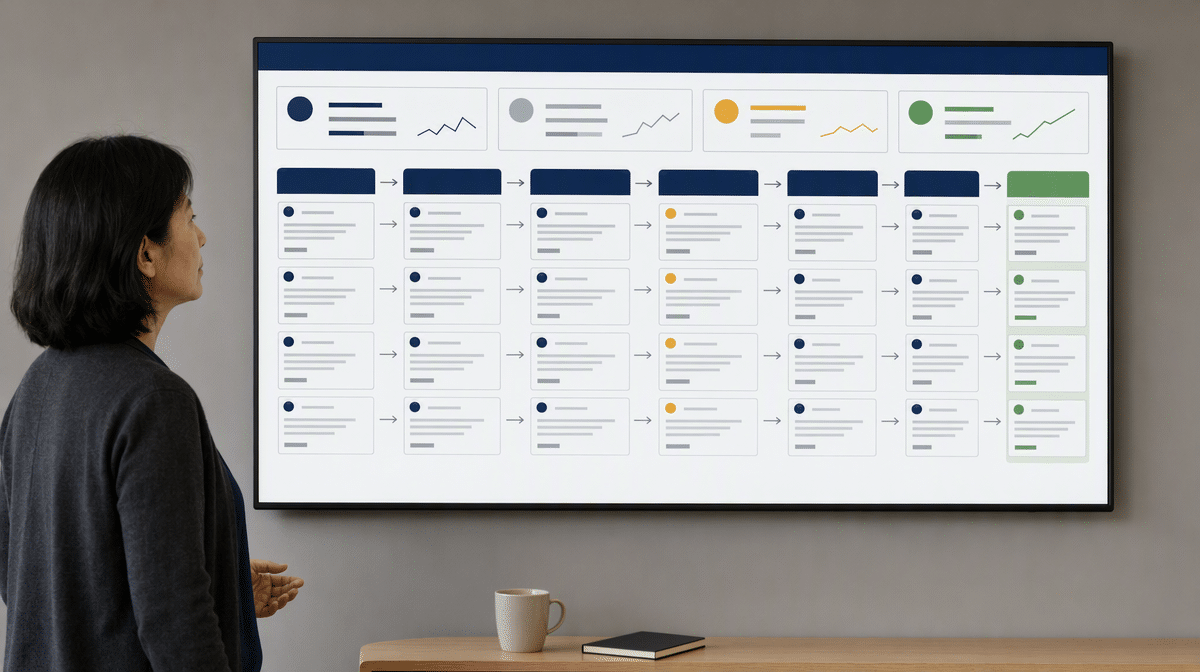
With BPA, customers can be attended to in good time and their issues can be fixed much sooner. A workflow can send an immediate confirmation, route a billing question to finance, request missing information, or create a replacement order after an approved return. Straightforward cases move faster, while urgent, sensitive, or unusual tickets go to a person.
The goal is not to prevent customers from reaching support staff. It is to make sure the right person receives the right information without forcing the customer to repeat it. Faster routing, consistent status updates, and a complete ticket history can improve customer satisfaction while preserving human judgment where it matters.
Online Marketing Management
Online marketing can be very profitable for your business, but it can also be time-consuming. BPA can help ensure new content is posted to your social media channels at pre-scheduled times, helping to keep your accounts up to date. It can help manage marketing budgets and ensure ads are running at the right time.
A sound workflow can also route campaign drafts for approval, add tracking information, notify an owner when a budget threshold is reached, and collect results in one place. BPA takes repeated coordination work out of online marketing, allowing employees to spend more time on marketing strategy, creative decisions, and customer insight.
Automated Report Creation and Distribution
Reports can be extremely valuable in helping businesses make important decisions, but producing them and distributing them can take time. When regular reports are coming due, this can leave staff rushing to get everything done in time. Again, BPA can help overcome these problems.
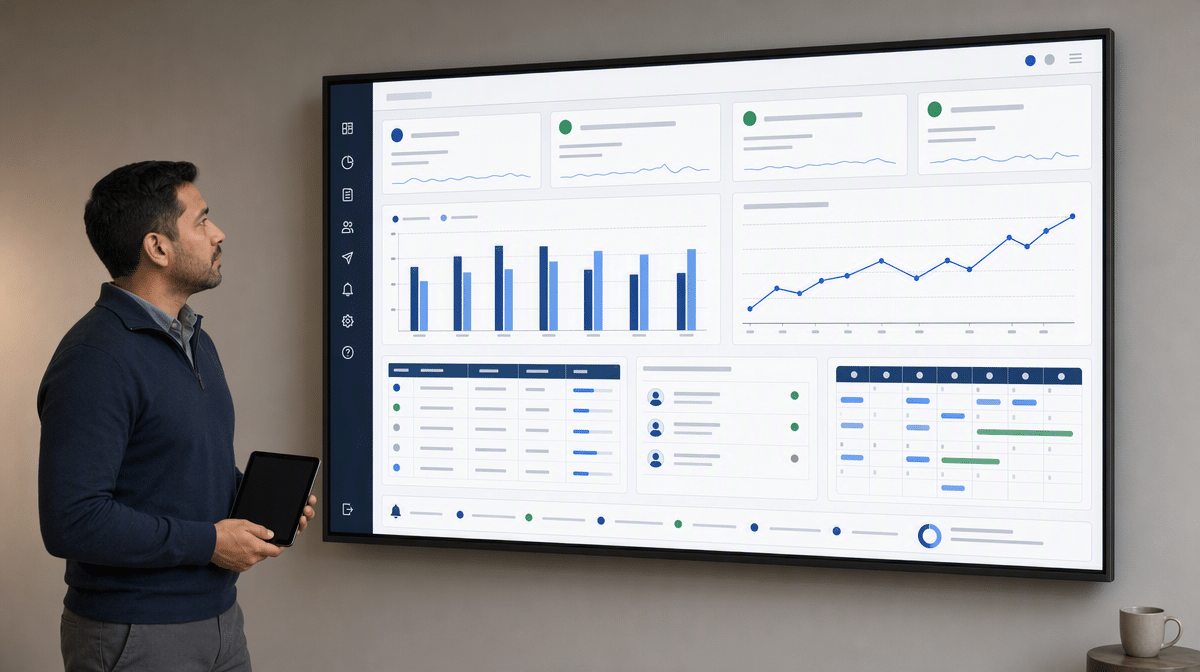
In some cases, reports can be created and distributed with the click of a button. BPA can also collect source data on a schedule, apply a consistent calculation, generate a report, and make sure the right people get the right information at the right time. Owners should still review unusual results and confirm that recipients and access permissions remain correct.
How Do You Implement Business Process Automation?
A practical guide to Business Process Automation starts with the process, not the software. Choose work that is frequent, stable, rules-based, and measurable. If employees cannot agree on the current steps, first document a clearly defined process before trying to automate it.
Before selecting technology, record the current cycle time, error rate, volume, cost, and customer effect. Those measures create a baseline for deciding whether automation actually improved the process.
Define the Owner, Rules, and Exceptions
Identify what starts the process, what information is required, which decisions can be expressed as rules, and what counts as completion. Assign an owner who can approve changes and resolve exceptions. Include access, privacy, retention, and approval requirements before connecting systems.
Test the Normal Route and the Failure Routes
Test ordinary cases, missing data, duplicate requests, system outages, and transactions that should stop for approval. Compare the automated result with the original process. Employees who perform the work often know where the hidden exceptions are, so include them in design and testing.
Monitor Results and Expand Carefully
Track cycle time, error and rework rates, overdue work, exception volume, customer impact, and the time employees save. Review logs and permissions regularly. Once the first workflow is stable, apply what you learned when you re-examine your business process and consider the next candidate.
Do not judge success only by whether the workflow runs. Compare the new process with a baseline and watch for work that moved outside the system, exceptions that employees resolve manually, or delays created by an approval rule. A fast automated process still needs revision if it produces rework, frustrates customers, or sends incomplete information downstream.
BPA can help make your business run more smoothly while improving the bottom line. It can remove a significant amount of menial work, make employees’ jobs more fulfilling, and help essential activities such as online marketing, order processing, support, and reporting run more consistently. The return depends on choosing the right process and continuing to manage it after launch.
Teams comparing documentation with active workflow control can use this review of SweetProcess alternatives to evaluate recurring workflows, approvals, training, maintenance, IT records, visual guidance, and case coordination.
Teams comparing workflow platforms can use this review of Pipefy alternatives to evaluate intake, routing, approvals, recurring execution, and operational reporting before choosing a replacement.
If you are deciding where an AI teammate belongs in an automation strategy, compare these Viktor alternatives by working surface, connected systems, human approval, and the operating record each one leaves behind.
Frequently Asked Questions
What Is Business Process Automation?
Business Process Automation uses software, rules, integrations, and sometimes robotics to perform repeatable process steps. It can capture information, validate it, route work, update systems, send notifications, and record the result.
How Does BPA Reduce Human Error?
BPA reduces repeated manual entry and applies validated rules consistently. It does not guarantee perfect results, so organizations still need accurate inputs, exception handling, testing, monitoring, and accountable process owners.
Which Business Processes Are Best for Automation?
The best candidates are frequent, stable, rules-based processes with clear inputs, outputs, owners, and success measures. Processes with many unresolved exceptions or unclear responsibilities should be improved and documented before automation.
Does Business Process Automation Replace Employees?
BPA can replace particular manual steps, but it does not eliminate the need for judgment, accountability, service, and process ownership. Its strongest use is handling predictable work so employees can focus on complex cases and higher-value responsibilities.
How Should a Small Business Start with BPA?
Start with one well-understood process that consumes time or creates repeated errors. Define its owner, rules, exceptions, controls, and measures, then test the automated workflow on a limited scale before expanding it.
If Jitterbit is the current automation layer, use the Jitterbit alternatives scorecard to separate procedure execution from app automation, technical workflow control, and enterprise integration.
Teams replacing a lightweight trigger-action routine can compare IFTTT alternatives by procedure visibility, approval needs, recovery, maintainer skill, and evidence.
Teams replacing an integration platform can compare Boomi alternatives by procedure visibility, approval needs, connector fit, recovery, maintainer skill, and retained evidence.














