
Why is Automation Important in Business?

Many businesses still move information by rekeying data, chasing approvals, monitoring systems manually, and repeating the same steps every day. That work may feel familiar, but it consumes time that employees could spend solving customer problems, improving quality, or handling exceptions that require judgment.
Business automation uses software, rules, and connected systems to complete repeatable tasks with less manual intervention. The goal is not to replace every person or decision. It is to make routine work faster, more consistent, and easier to control while keeping people responsible for oversight. AI teammates now push this further, and this guide to the best Otto by Workato alternatives compares tools that complete goal-level work across connected systems.
What Is Business Automation?
Business automation is the use of technology to execute recurring process steps, route information, trigger actions, and record results. It can range from a simple approval reminder to an integrated workflow that validates a form, assigns work, updates a system, and alerts a manager when an exception occurs.
IT automation is a related term that often focuses on technology operations such as monitoring, access reviews, backups, patching, and system administration. Both forms of automation work best when the underlying process is understood, the rules are clear, and employees know when to intervene.
Why Should You Automate Your Business Processes?
Automation is most useful when a process is repetitive, rules-based, time-sensitive, and performed often enough that delays or errors add up. Sales and marketing teams, for example, can use automation within their sales and marketing policies and procedures to route leads, schedule campaign activities, and prompt follow-up without losing accountability.
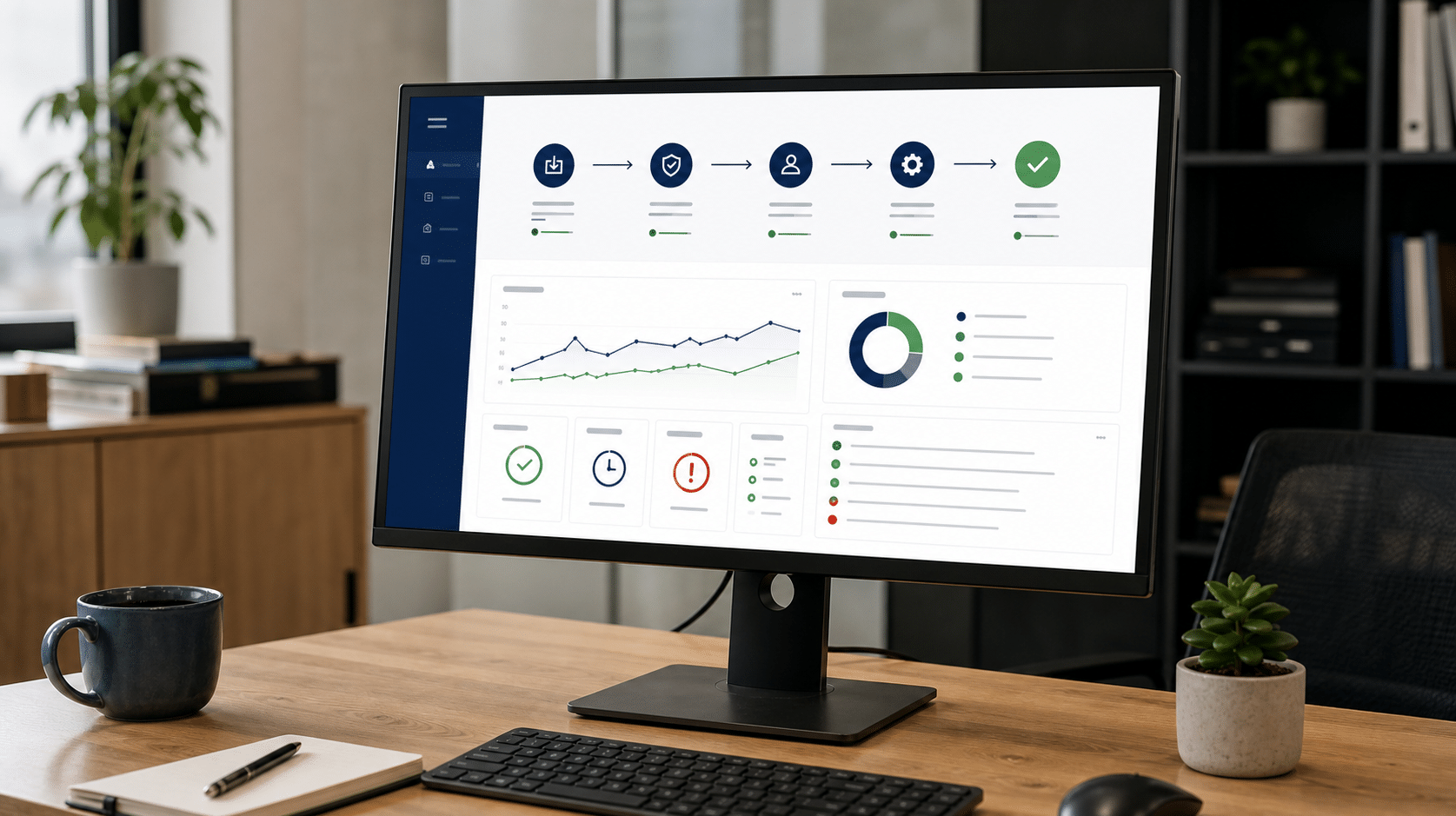
The benefits depend on the quality of the process being automated. A broken process does not become effective simply because software runs it faster. Document the steps, identify the controls, decide which exceptions require human review, and then select the right automation tools.
IT Helps Reduce Errors
It is human nature to make errors once in a while, especially when people must enter the same information in several places or repeat a task under time pressure. Automation can reduce errors by validating required fields, copying approved data between systems, and executing defined steps in the same order each time.
Accuracy still depends on good source data and well-designed rules. Managers should test automated workflows, review exceptions, and measure the errors that remain instead of assuming the system eliminates inaccurate information.
IT Helps Strengthen Your Security
Automation can support the security of your business by monitoring events continuously, applying approved configurations, collecting logs, and escalating unusual activity. The NIST Cybersecurity Framework 2.0 emphasizes managing cyber risk through governance, identification, protection, detection, response, and recovery, so automated controls should operate inside a broader security program.
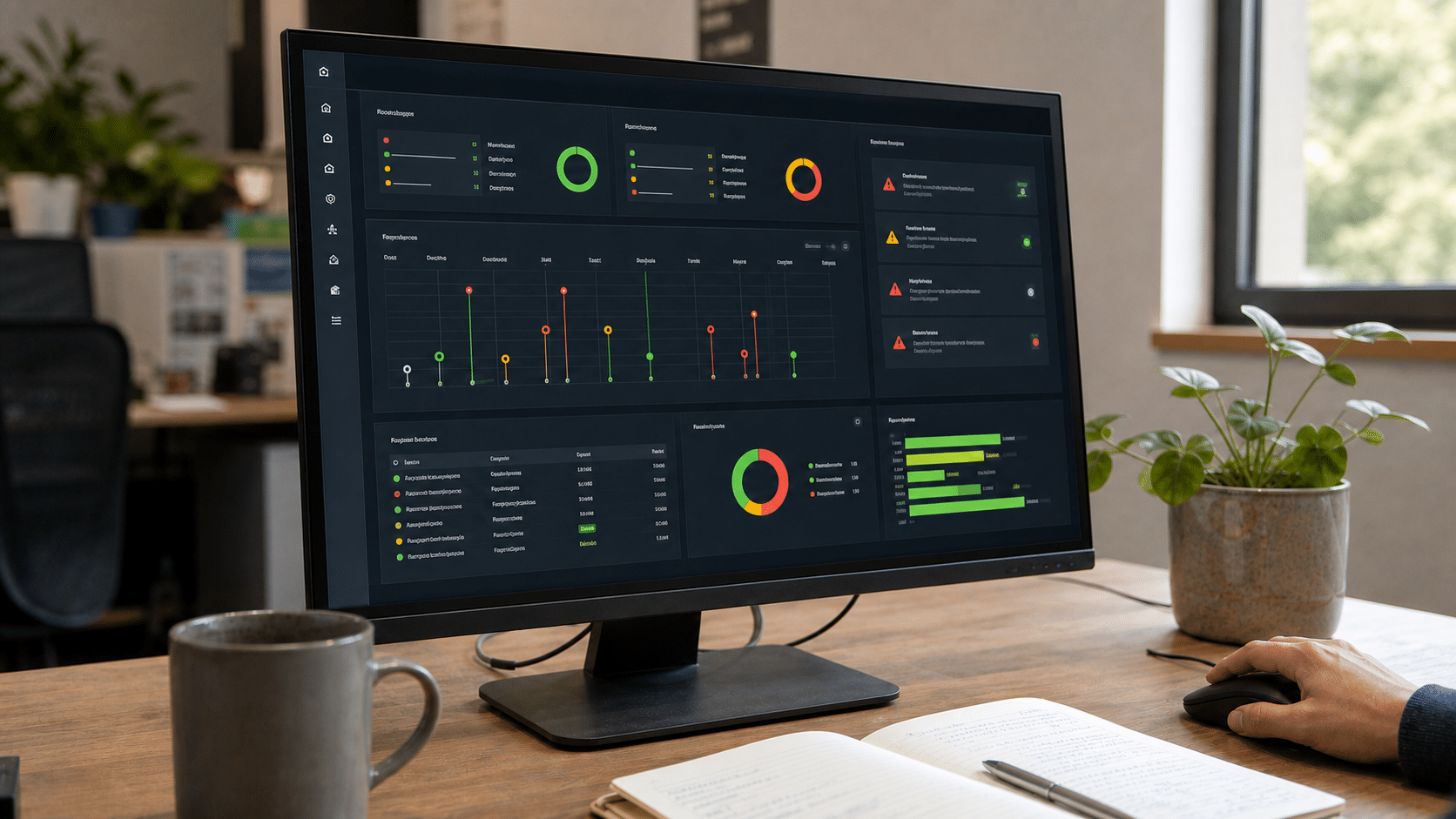
Do not automate sensitive actions without access controls, audit records, and a clear owner. A fast automated mistake can affect many records at once, which makes approvals, exception handling, and rollback procedures essential.
IT Increases Speed
When you use IT automation tools in your business, routine production and administrative work can move faster. A system can process a valid request immediately, even when employees are occupied elsewhere, and can send the next task to the correct person without waiting for a manual handoff.
Speed matters most when it shortens a customer response, prevents a backlog, or reduces idle time between process steps. Measure cycle time before and after automation so the improvement is visible rather than assumed.
IT Increases Efficiency
Operational efficiency increases when fewer hours are spent transferring information, checking routine conditions, and finding the next task. Technology can improve the efficiency of a business when it removes unnecessary handoffs and gives employees a reliable view of work in progress.
Current U.S. Census Bureau research on technology adoption reports that businesses often associate cloud services, specialized software, and artificial intelligence with improved process quality or reliability. The practical lesson is to connect each technology investment to a defined process result.
IT Helps Reduce Waste
Implementing IT automation can reduce paperwork by replacing printed forms, physical routing, repeated data entry, and manual filing with controlled digital workflows. Less paper also means less ink, storage, handling, and time spent searching for the current version of a document.
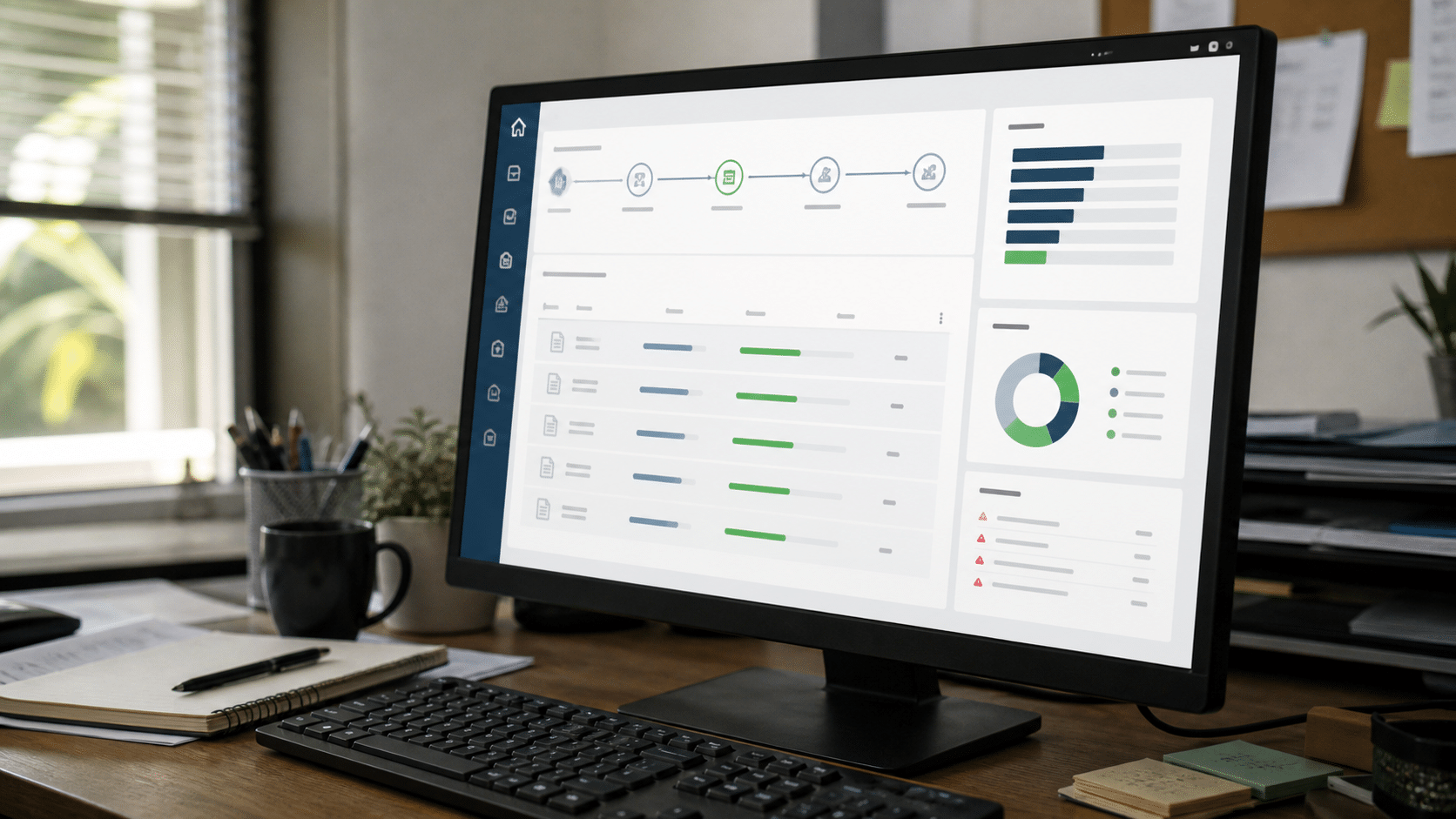
Waste is broader than paper. Waiting, correction, duplication, unnecessary approvals, and work performed without complete information all consume resources. Reviewing these forms of lean waste before automating helps prevent inefficient steps from being built into the new workflow.
IT Helps the Business Save Money
Automation can reduce the labor, rework, paper, and delay associated with routine activities. Workers can spend more time on significant value-added tasks, while the system performs repeated steps, records completion, and sends reminders.
Savings are not automatic. Include software, integration, training, maintenance, security, and exception-handling costs in the business case. Start with a process where the current cost and error rate are known, then compare the full cost after implementation.
How Can IT Automation Improve Your Business?
IT automation can improve a business by connecting tasks across departments and making the state of each process visible. The strongest opportunities usually involve stable rules, reliable data, high volume, and a clear outcome that managers can measure.

IT Automation Improves the Efficiency of Business Processes
Efficiency is about completing necessary work with less delay, waste, and correction. Automation tools can perform tasks repeatedly at a consistent rate, but people should continue to review unusual cases and improve the process when conditions change.
Many core business processes can become more efficient through automation. You can create a workflow using mobile forms, automatically route approvals, or launch marketing campaign activities that generate leads and nurture them until they become qualified leads ready for conversion.
The workflow should expose exceptions rather than hide them. A useful dashboard shows which tasks completed, which are waiting, why a case stopped, and who owns the next action.
IT Reduces Business Costs
High operational costs can erode profits, particularly when employees spend time correcting avoidable mistakes or moving data between disconnected systems. Understanding the cost of poor quality helps a business find where prevention and automation will have the greatest value.
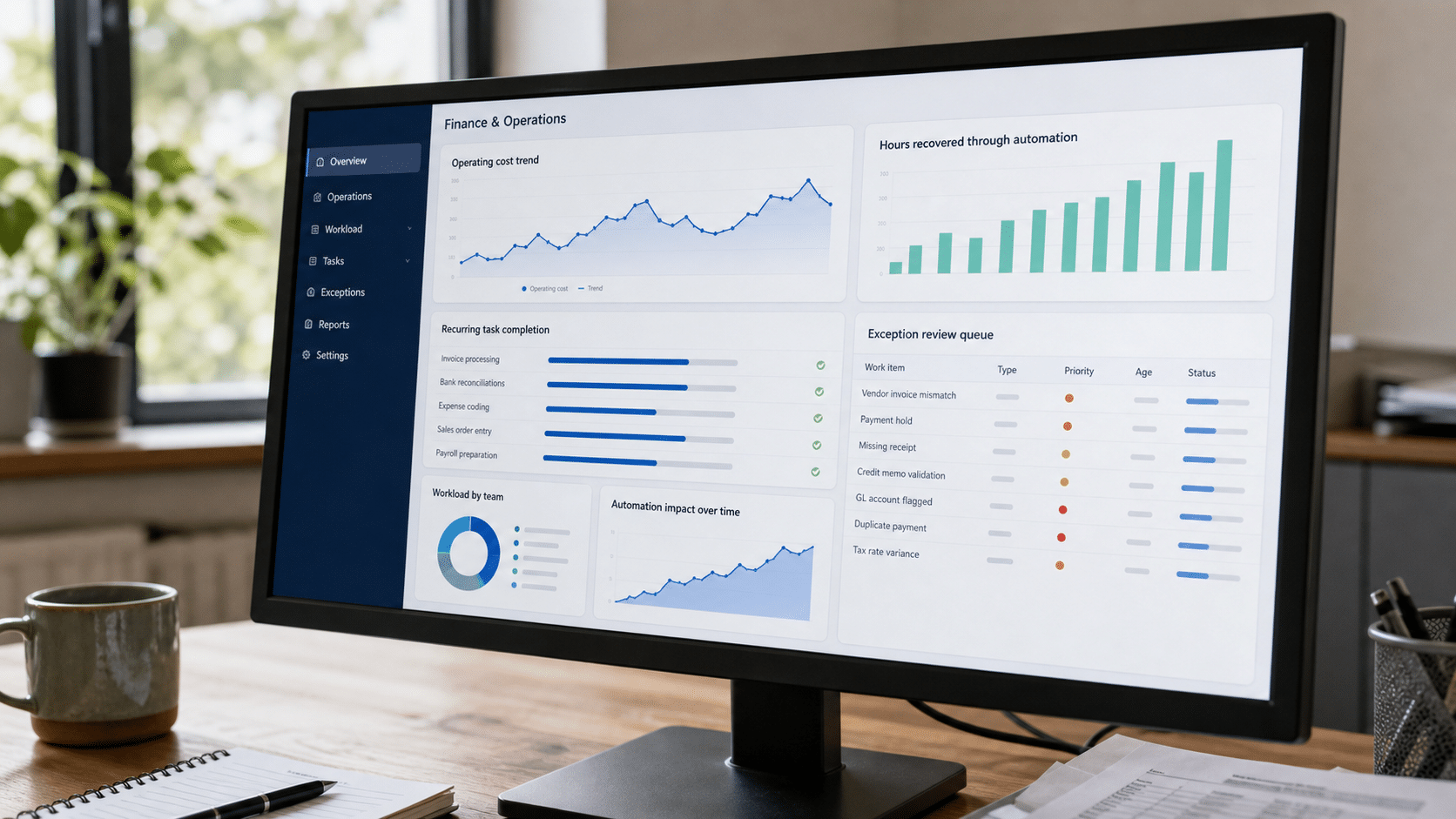
Some tasks must remain manual because they require judgment, empathy, negotiation, or physical work. Other tasks can be completed through automation tools, allowing employees to focus on decisions and customer needs rather than repetitive administration.
When automation reduces errors, the business can spend less time tracking down mistakes and correcting records. Electronic forms and digital routing can also reduce paper and ink usage. These savings may add up over time, but they should be measured against the complete operating cost of the automated system.
IT Supports Quality and Consistency
For your business to thrive, you should focus on quality as well as quantity. Automation can support consistent products and services by applying the same approved rules, checking required information, and preventing a process from advancing when an essential step is missing.
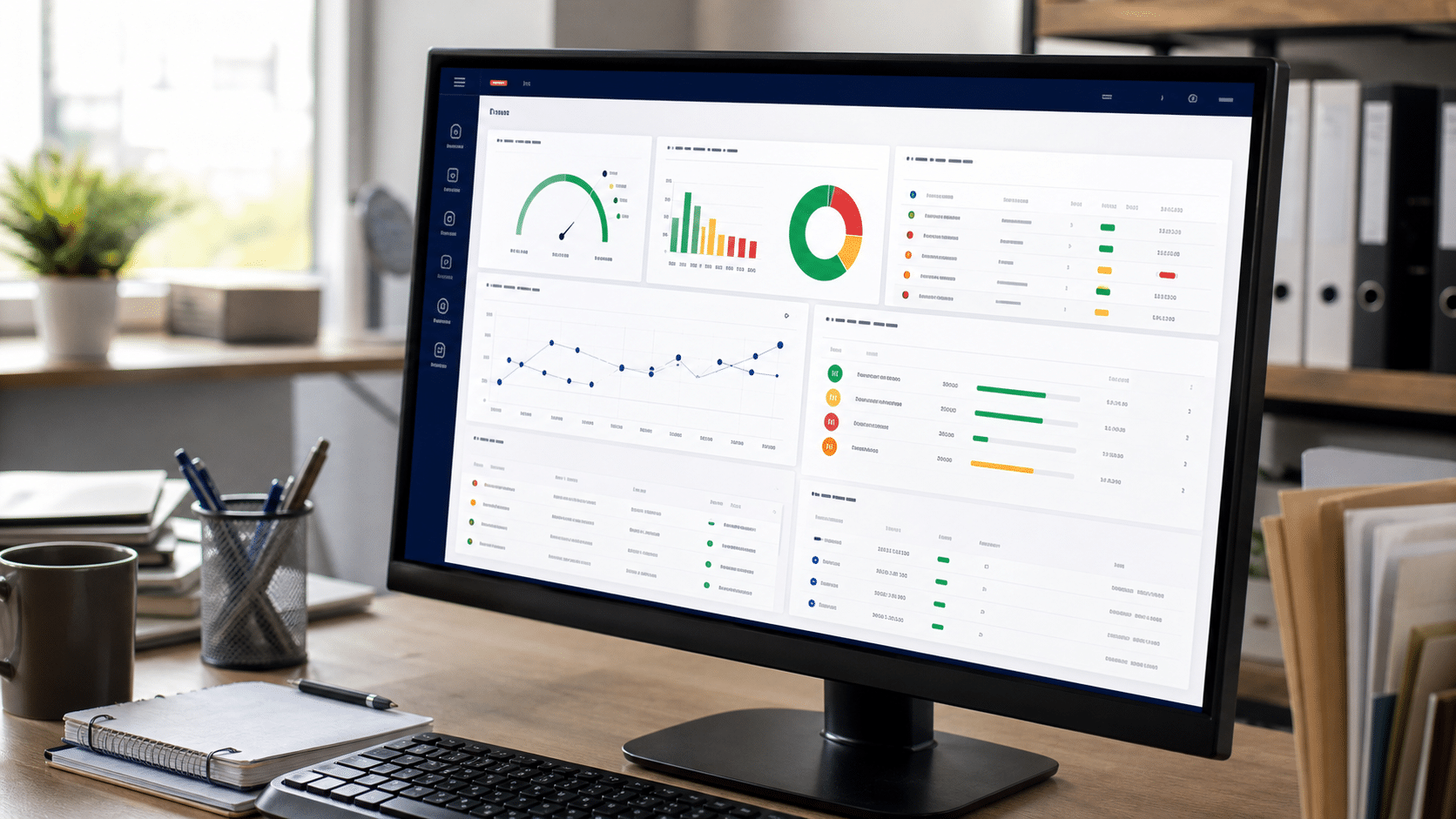
Automation does not guarantee that every quality standard is met. The process still needs capable design, validated controls, trained owners, and periodic review. What automation can provide is consistent execution and evidence that required steps occurred.
IT automation can be especially useful in heavily regulated industries where processes require tracking and audit trails. A system can record who initiated an action, which rule ran, when a result changed, and which exception received human approval, while real-time analytics help managers detect recurring problems.
IT Leads to Greater Accuracy
Every business works to reduce errors. One way to avoid them is to capture information once, validate it, and reuse the approved data instead of asking employees to reenter it on several paper or electronic forms.
Reducing manual involvement in predictable steps can reduce the number of errors committed. When errors are fewer, employees spend less time tracking them down and correcting them. They have more time to improve productivity, serve customers, and investigate the exceptions that an automated rule cannot resolve.
Accuracy builds confidence in reports, products, and services, but automated output should still be reconciled against source records. Monitor error rates and customer complaints so a faulty rule or integration is discovered quickly.
IT Can Improve the Employee Experience
Employees are major contributors to business success. Repeatedly performing the same tedious task can create boredom, burnout, and low productivity, while people often want opportunities to be creative and gain professionally enriching experiences.

The International Labour Organization’s guidance on automation and digitalization at work notes that technology can reduce repetitive tasks and create opportunities for more challenging work, while also introducing risks that organizations must manage. Employees should participate in process design, receive training, and understand how their responsibilities will change.
Automation works best as a partnership between reliable systems and informed people. Let software handle predictable repetition, give employees visibility into what it is doing, and reserve judgment, relationships, and exceptions for human attention.
How Should You Start Automating Your Business?
Start with one stable, high-volume process where the current cycle time, error rate, and cost are known. Map the steps, remove unnecessary work, define the expected outcome, and identify decisions that require human approval. Then test the automation with a limited group before expanding it. Teams evaluating agent-based automation can compare Dust alternatives for controlled small-business workflows before selecting a pilot platform.
Assign an owner to monitor results, maintain rules, review exceptions, and respond when a connected system changes. Once the first workflow is reliable, use what you learned to improve the next process. This disciplined approach helps IT automation improve your business without sacrificing control, security, quality, or employee trust.
Automation brings the best results when a business begins by avoiding errors, reducing operational costs, and improving the efficiency of work that is already understood. Better quality results come from accurate automation rules, complete information, and regular review, not from technology alone. Over a long period, reduced paperwork, less correction time, and more consistent production can add up to a significant amount of recovered capacity.
The business can then use that capacity to attract and retain customers, improve products and services, and give employees more creative work. Human beings tend to lose focus when doing the same task repeatedly, which can cause boredom and low productivity, while new and professionally enriching experiences help people contribute more value. In this way, automation tools support productivity and competitive advantage while people remain responsible for customer relationships, unusual decisions, and continuous improvement.
Frequently Asked Questions
What Is Business Automation?
Business automation uses software and rules to complete repeatable process steps, route information, trigger actions, and record results with less manual intervention.
Why Is Automation Important in Business?
Automation can reduce errors, shorten cycle time, improve consistency, and recover employee time for work that requires judgment or customer attention.
Which Business Processes Should Be Automated First?
Begin with a stable, rules-based, high-volume process that has measurable costs, delays, or errors. Avoid automating an unclear or frequently changing process until it has been improved.
How Does Automation Reduce Errors and Costs?
Automation can validate data, reuse approved information, execute steps consistently, and reduce rework, paper handling, repeated entry, and time spent correcting mistakes.
Does Business Automation Replace Employees?
Automation changes how work is divided. Software can handle predictable repetition, while employees retain responsibility for judgment, exceptions, relationships, oversight, and process improvement.
Teams reviewing a current integration stack can compare Jitterbit alternatives by procedure fit, integration depth, approval handling, evidence, and maintenance burden.














