
Bizmanualz blog
Word is a handy word processor that enables users to craft and edit docs without fuss. But, sometimes you may want to reset Word to its normal layout. Here, we’ll look at how to do it. How yo reset word to normal layout.
Read more
Microsoft Word is a powerful tool that can take your document creation process to the next level. It has advanced features and functions to streamline your work and create professional-looking documents with ease. How to use advanced Microsoft word features.
Read more
In Microsoft Word, creating a paragraph style is essential. It’s a skill that can make documents more consistent and professional. To do it, open the Styles pane on the Home tab. How to create a paragraph style in Microsoft word.
Read more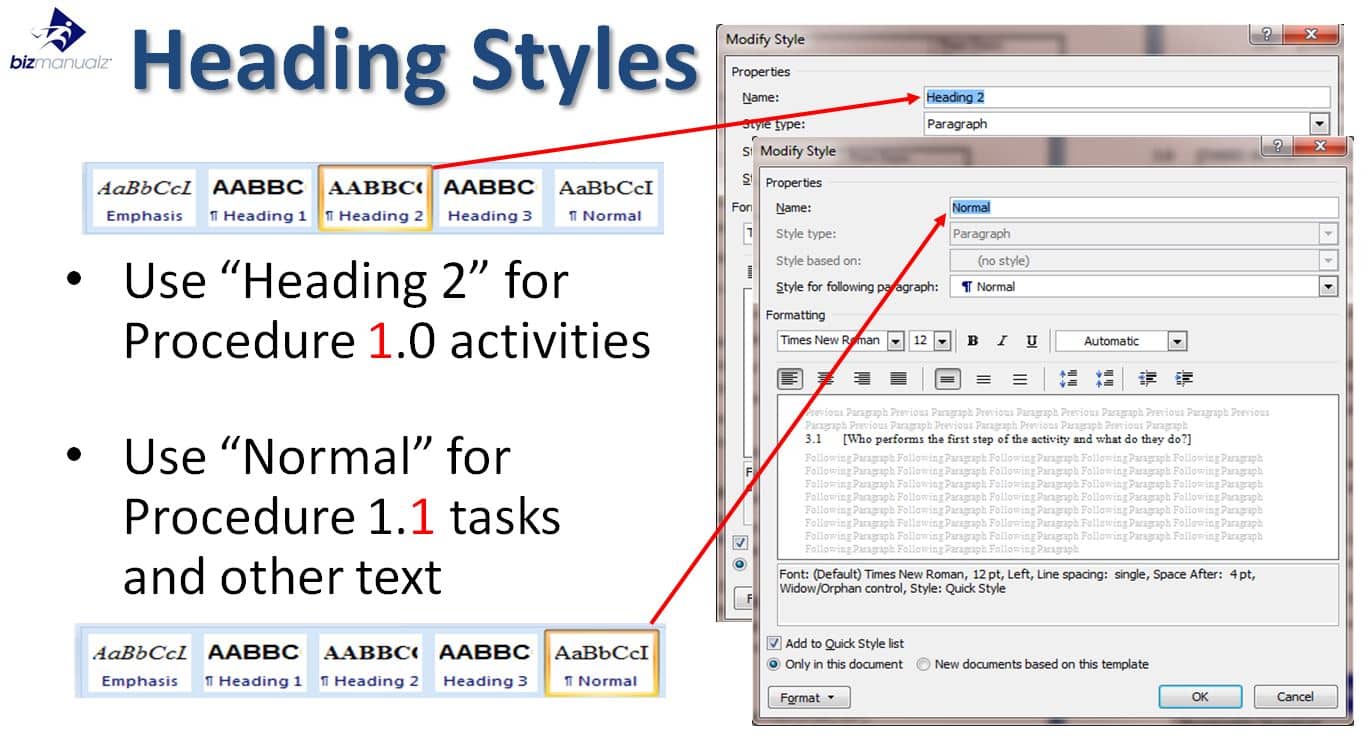
Paragraphs in MS Word are essential for organizing your writing. They provide a visual separation between different ideas – making it easier for readers to follow. How do you use them? Press Enter or Return on the keyboard. How to use paragraphs in Microsoft word.
Read more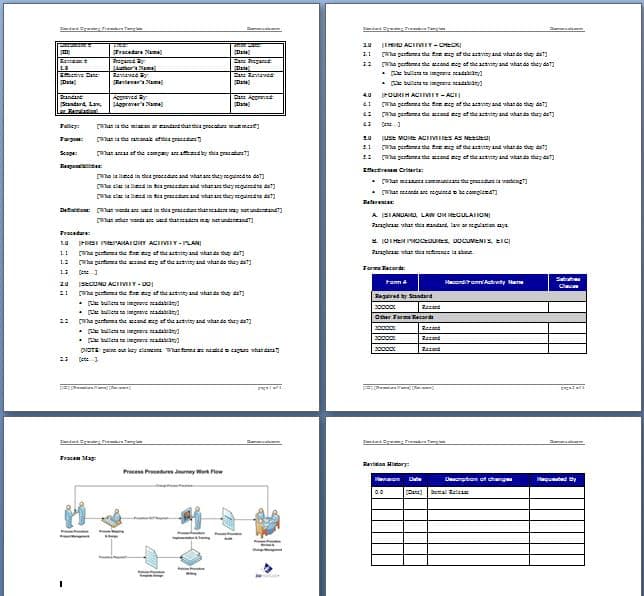
You can easily download and install Microsoft add-ins to spruce up your Microsoft experience! They offer various features and functionalities, from boosting productivity to introducing new ones. How to download Microsoft add-Ins.
Read more
Automation of typing is a really great skill to have for any professional. It can save time and effort when writing reports, creating documents, or typing emails. Let’s explore some methods to automate typing in Word!
Read more
ITIL and COBIT are both popular IT frameworks in the tech world. They have distinct differences though. ITIL focuses on service management and improving customer satisfaction, while COBIT is all about governance and control. What is the Difference Between ITIL and COBIT?
Read more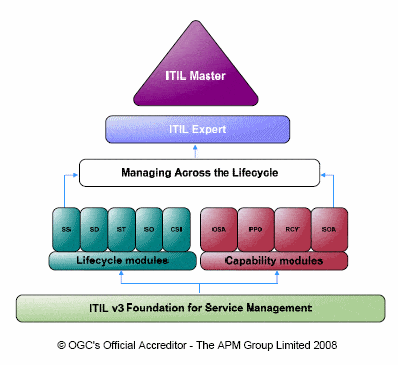
Microsoft Word enables users to work together on a document, boosting productivity and efficiency. It is easy to use with seamless sharing capabilities, making it key for teams in various industries. How to collaborate in Microsoft word.
Read more
Microsoft Word is a word processing tool used around the world. It’s great for professionals, students and individuals. One of its features is creating and managing references. Let’s see how to use them! How to use references in microsoft word.
Read more
Microsoft Word is a mighty tool that has become essential in our personal and professional lives. It can be used to create, edit, format, and share documents of all types. From crafting letters and resumes to building brochures and reports, Word offers features that make document production easy and efficient. What is Microsoft word used […]
Read more
Best Manual Deals
-
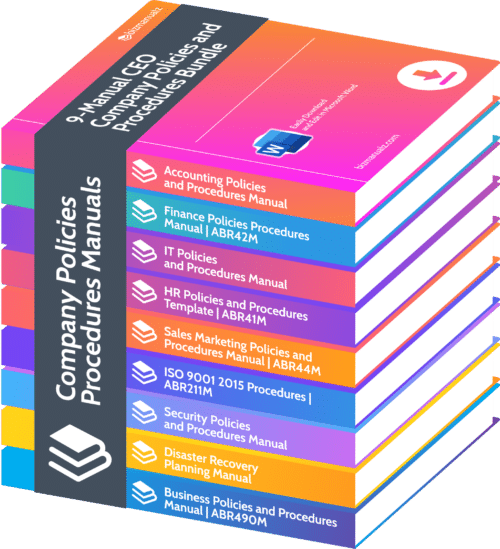 9-Manual CEO Company Policies and Procedures Bundle | Save 45%
$ 2,495.00
-
 ISO 22000 Food Safety Procedures Manual | ABR213M
Original price was: $ 395.00.$ 197.00Current price is: $ 197.00.
-
 ISO 22000 Seguridad de los Alimentos Procedimientos | ABR219M
Original price was: $ 395.00.$ 195.00Current price is: $ 195.00.
-
 ISO 9001 Quality Manual | ABR211MPM
$ 49.99
Business Manuals
-
 Finance Policies Procedures Manual | ABR42M
$ 495.00
-
 Accounting Policies and Procedures Manual | ABR31M
$ 495.00
-
 IT Policies and Procedures Template Manual | ABR34M Information Security Policy Manual
$ 495.00
-
 HR Policies and Procedures | ABR41M Employees Policy Examples
$ 495.00
-
 Sales Marketing Policies and Procedures Manual | ABR44M
$ 495.00
-
 ISO 9001 2015 Procedures | ABR211M
$ 495.00
-
 AS9100 Quality Procedures Manual Rev D | ABR217M Aerospace QMS
$ 395.00
-
 Security Policies and Procedures Manual | ABR32M
$ 395.00
-
 Disaster Recovery Planning Manual | ABR33M
$ 395.00
-
ISO 22000 Food Safety Procedures Manual | ABR213M
Original price was: $ 395.00.$ 197.00Current price is: $ 197.00.
-
9-Manual CEO Company Policies and Procedures Bundle | Save 45%
$ 2,495.00
-
ISO 22000 Food Safety Procedures Manual | ABR213M
Original price was: $ 395.00.$ 197.00Current price is: $ 197.00.
-
ISO 22000 Seguridad de los Alimentos Procedimientos | ABR219M
Original price was: $ 395.00.$ 195.00Current price is: $ 195.00.
-
ISO 9001 Quality Manual | ABR211MPM
$ 49.99
-
 How to Prevent Workplace Violence Manual | ABR32MWV
Original price was: $ 49.99.$ 19.99Current price is: $ 19.99.