
Bizmanualz blog
AutoCorrect is a great tool for Microsoft Word templates. You can save time and energy by creating custom entries to suit your needs. To make your own entry, open Word and go to “File” then “Options”. Select “Proofing” and click “AutoCorrect Options”. Type the commonly misspelled word or phrase into the “Replace” field and enter […]
Read more
Technology is ever-evolving and businesses need to ensure their IT systems are secure and effective. Two frameworks that can help are ITIL and ISO 27000. What is the difference between ITIL and ISO 27000.
Read more
A Data Protection Officer (DPO) is super important for organisations. They make sure the organisation follows data protection laws and regulations. Appointed to manage personal data safely and legally, they are a vital asset in the digital age.
Read more
Learn what to say in a performance review comment to ensure you provide meaningful feedback and help your employees reach their goals. Get tips and advice on how to write effective performance review comments.
Read more
ITIL and ISO certifications have become essential for businesses aiming to improve their efficiency and service quality. Although, both certifications focus on optimizing processes and delivering services, they have key differences. What is the difference between ITIL and ISO certification.
Read more
Crafting stellar work instructions in MS-Word can seem daunting. But fear not! This article will guide you through the process with ease. Let’s explore the wonderful world of creating clear and concise instructions to become a word wizard with the power to create foolproof guides. How to write step-by-step work instructions in MS-Word?
Read more
A Chief Financial Officer (CFO) plays a critical role in understanding and leveraging supply chain finance to improve the financial health of a company. Here are key points that a CFO should know about supply chain finance.
Read more
MS-Word is essential for any business. It has features that make productivity and streamlining processes easier. Plus, it offers various tools for creating professional documents, editing, proofreading, and inserting images, tables, and charts. How to use MS-Word for business.
Read more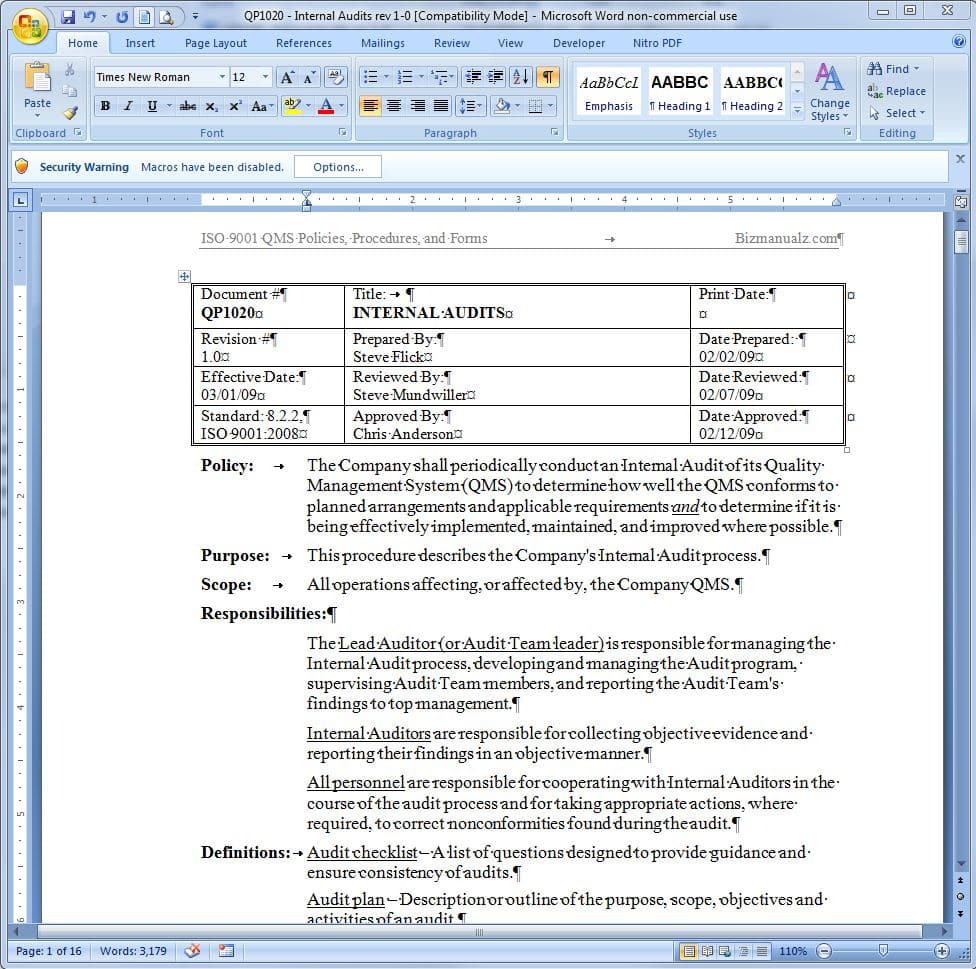
Discover what AI writing entails and get a glimpse into its potential. Overview essential sub-sections, such as “What is AI writing?”, to uncover the solutions this section will provide. Does Microsoft have an AI writing tool.
Read more
MS-Word is essential for writing complex procedures. Here’s a guide on how to effectively use it! How to use MS-Word to write complex procedures.
Read more
Best Manual Deals
-
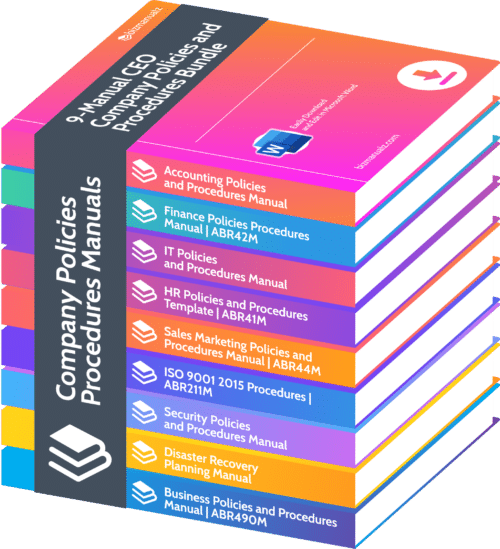 9-Manual CEO Company Policies and Procedures Bundle | Save 45%
$ 2,495.00
-
 ISO 22000 Food Safety Procedures Manual | ABR213M
Original price was: $ 395.00.$ 197.00Current price is: $ 197.00.
-
 ISO 22000 Seguridad de los Alimentos Procedimientos | ABR219M
Original price was: $ 395.00.$ 195.00Current price is: $ 195.00.
-
 ISO 9001 Quality Manual | ABR211MPM
$ 49.99
Business Manuals
-
 Finance Policies Procedures Manual | ABR42M
$ 495.00
-
 Accounting Policies and Procedures Manual | ABR31M
$ 495.00
-
 IT Policies and Procedures Template Manual | ABR34M Information Security Policy Manual
$ 495.00
-
 HR Policies and Procedures | ABR41M Employees Policy Examples
$ 495.00
-
 Sales Marketing Policies and Procedures Manual | ABR44M
$ 495.00
-
 ISO 9001 2015 Procedures | ABR211M
$ 495.00
-
 AS9100 Quality Procedures Manual Rev D | ABR217M Aerospace QMS
$ 395.00
-
 Security Policies and Procedures Manual | ABR32M
$ 395.00
-
 Disaster Recovery Planning Manual | ABR33M
$ 395.00
-
ISO 22000 Food Safety Procedures Manual | ABR213M
Original price was: $ 395.00.$ 197.00Current price is: $ 197.00.
-
9-Manual CEO Company Policies and Procedures Bundle | Save 45%
$ 2,495.00
-
ISO 22000 Food Safety Procedures Manual | ABR213M
Original price was: $ 395.00.$ 197.00Current price is: $ 197.00.
-
ISO 22000 Seguridad de los Alimentos Procedimientos | ABR219M
Original price was: $ 395.00.$ 195.00Current price is: $ 195.00.
-
ISO 9001 Quality Manual | ABR211MPM
$ 49.99
-
 How to Prevent Workplace Violence Manual | ABR32MWV
Original price was: $ 49.99.$ 19.99Current price is: $ 19.99.