
What Software Do You Need to Run a Business?

There are many types of software you can use, but what software do you need to run a business? Most companies answer that question twice: once when they buy the tool, and again a year later when they work out whether anyone actually opens it. Ask yourself the harder version of the question. Which of the tasks that eat your week would genuinely get easier if the right system were sitting underneath them?
Keeping your business under control might be a much more difficult task than you previously imagined. When deadlines are closing in, and responsibilities are piling up, you might even feel overwhelmed. This article looks at the essential business software tools you can use to help your company grow, what each type actually handles, and how to decide which one you need first.
What Is Business Software?
Business software is any application that helps you organize, control, and automate work your company already does. The category covers business management software, fleet management software, and business continuity software, along with the accounting, inventory, and customer systems that sit underneath them. It is a broad category because business operations are broad. What every one of these tools has in common is that it takes a repeatable process out of somebody’s head and puts it somewhere the whole team can see it.
In this article, we look at various business software that can get your business back on track in no time. Business management software and business continuity software are only a few examples from the long list, and the sections below work through the rest in the order most companies meet them.
Business Management Software
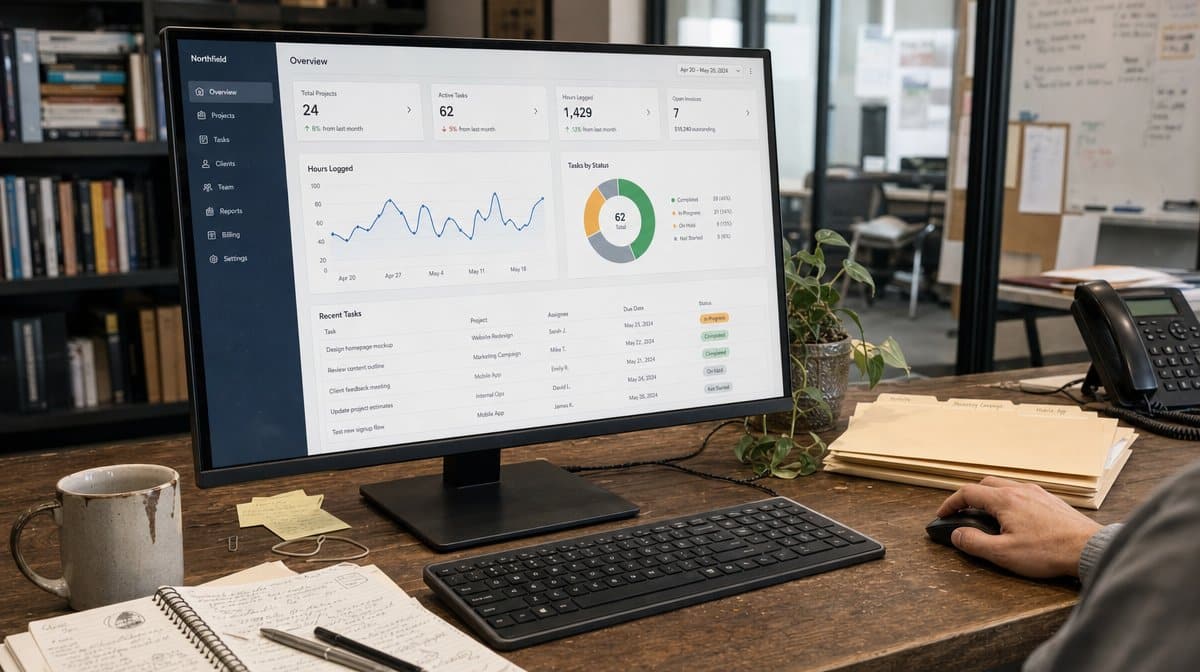
Business management software helps you organize and control your company’s operations. It might help you increase office productivity, manage your finances, customer relationships, sales, purchases, and other aspects of your business. You can use this type of software to help your employees with their daily tasks.
You can help them fill out reports and send emails, as well as monitor their progress or schedule meetings. If you need a tool that can handle your entire team’s workflows, business management software could be a good fit. The practical test is whether the tool removes a step somebody is currently doing by hand, rather than simply adding a new place to record that the step happened.
Fleet Management Software
If your company runs vehicles, one of the most useful tools you can buy is fleet management software. You get to access everything on the fleet management dashboard and streamline your processes. You can track, gain insights, and check stats in real-time and also ensure all the communication happens in a single place.
Software for businesses can help manage all the operations easily and also ensure smooth workflow. Fleet tools make that concrete because the data arrives whether anyone remembers to enter it or not. Mileage, fuel, maintenance intervals, and driver hours come off the vehicle itself, which is exactly why this category tends to survive in companies where other systems quietly go unused.
Business Continuity Software
Business continuity software helps your business plan for emergencies. In the case of a natural disaster or a human error, this software could help you continue operations in some form. This software might allow you to operate even if your data center becomes unavailable. For example, it could allow your company to store data in the cloud and access it from any device. It could also allow you to export your data to other devices, like tablets or laptops.
Most importantly, this type of software can help your business plan for emergencies by determining how you will take over certain tasks in the event of an outage. It could help you set up a backup system for managing orders, sending notifications, or handling finances, among other things.
Buy the plan before you buy the platform. The federal continuity planning guidance is a useful starting point because it forces you to name which functions cannot stop and how long they can be down before the damage compounds. The NIST contingency planning guide goes further and defines the recovery objectives your software should be measured against. Those numbers are the specification. The product is whatever meets them.

Which Applications Do Most Businesses Actually Run?
Business management software is used across nearly every industry, and there are many different software tools you can use to run your business. You could use a CRM system to help you analyze your customer relations, or a supply chain management software to improve your company’s supply chain. This means that you have a lot of options to choose from when you’re shopping for business software.
The most popular applications for business are the six below. Most companies end up owning several of them, bought at different times, by different departments, for different reasons.
Enterprise Resource Planning (ERP)
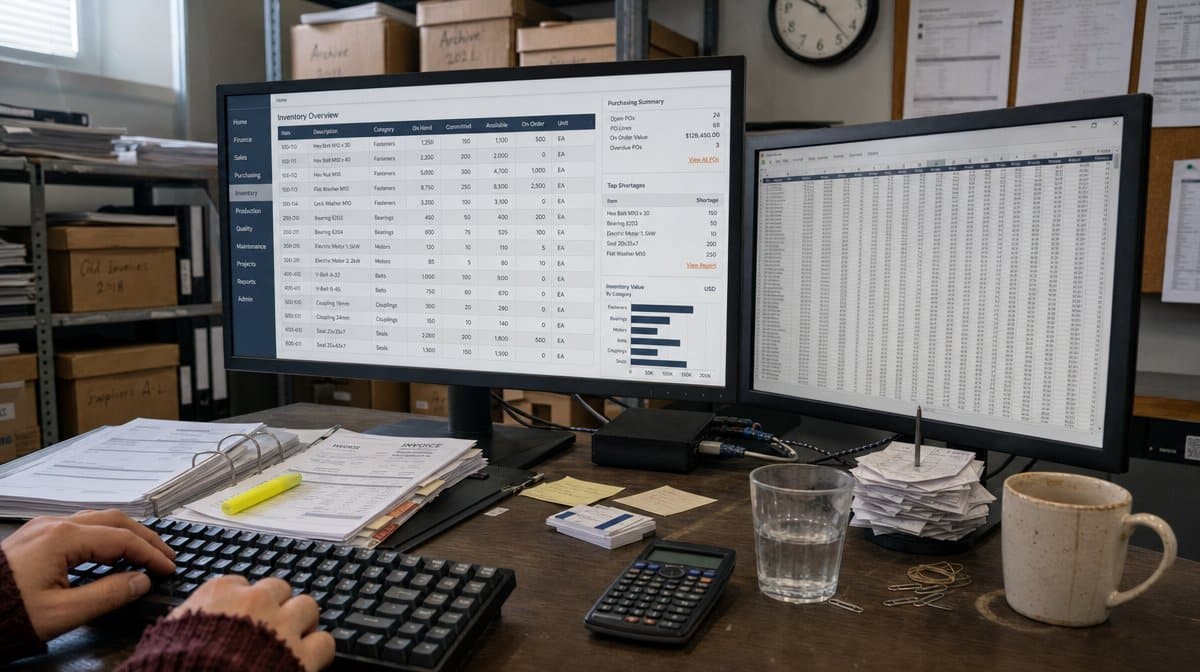
ERP software handles various aspects of your business, such as accounting, inventory management, purchasing, and customer relations. Many businesses use ERP systems because they provide integrated solutions that can manage business processes across departments. If you’re looking for a comprehensive solution to handle every aspect of your business operations, you should consider opting for an ERP system.
Business Intelligence (BI)
Business intelligence software allows you to collect data from various sources and make better analytical business decisions based on your findings. It can help you find out how your products are performing in the market, or which areas of your business need improvement. The value tends to show up when the reporting becomes boring and repeatable, not when somebody builds one impressive analysis nobody can reproduce next quarter.
Customer Relationship Management (CRM)
CRM software allows you to better manage your customer relations. For example, it might allow you to create marketing campaigns and track your customers’ needs and preferences. It can also help you develop a solid customer base by analyzing your company’s marketing efforts and campaigns. CRM systems are among the most widely used software tools in the world today. If your company needs to keep track of its customers, this software might be a good fit for you.

Customer Support (CS)
Customer support software can help you respond to customer inquiries faster than ever before. It might also allow you to track customer loyalty by analyzing customer feedback and complaints over time. It can also help increase customer retention by providing relevant information based on customers’ preferences and needs. Customer support software could be a great addition to any company that wants to get ahead of its competition by providing excellent service to its customers.
Project Management (PM)
Project management software allows you to manage projects more effectively. You can set deadlines, set up project milestones, and track project progress. Many companies use this type of software to help manage their resource allocation. It is also the category most often bought and then abandoned, usually because the projects were never defined clearly enough for any tool to hold them.
Supply Chain Management (SCM)
SCM software helps you manage the flow of products through your supply chain. It might allow you to order goods from suppliers and manage the relationships between various stages in your supply chain, which could include manufacturers, wholesalers, retailers, and others involved in the process. This type of system could help reduce costs and ensure that the right product reaches the right place at the right time.

How Do You Choose the Right Business Software?
If you’re looking for ways to improve your company’s operations, consider using one or more of these top business tools and applications. They can help boost your productivity and streamline your business processes, making it easier than ever to run an efficient operation year after year. The harder part is choosing the order you buy them in, and that decision is a process question long before it is a purchasing question.
Start With the Process, Not the Product
Write the process down before you shop. If you cannot describe who does what, in what sequence, and what each handoff looks like, no software will fix it. A tool applied to an undocumented process only moves the confusion onto a screen, where it is harder to see. Document the workflow first, then look for the system that fits the workflow you actually have.
Evaluate the Fit, Not the Feature List
Feature lists are written to win comparisons, not to run your business. Evaluate each option against the three or four things your team does every week. Ask every vendor to demonstrate those tasks, in that order, using your own terminology and your own data. Whatever cannot be shown in that pass is unlikely to be used once the tool is live.
Count the Cost of Running It
The license is rarely the expensive part. Count the implementation, the data migration, the training, the integration work, and the person who ends up owning the system after everyone else moves on. A cheaper tool that nobody administers usually costs more over three years than a more expensive one that somebody clearly owns.

What Should a Business Owner Do Next?
If you are a business owner or someone who is interested in opening a business then you may know just how hard it is to keep everything running smoothly. There are numerous responsibilities that you are in charge of and if you are not careful these tasks may pile up. It can get really overwhelming and hard to try and stay on top of everything.
Thankfully, we live in a day and age where technology can help. As you can see from the sections above, there are so many different types of software available to business owners, and there are already a lot of companies and businesses out there that utilize these tools. The ones getting real value from them are usually the ones who solved the problem on paper first.
If you are considering your options, you should evaluate which area of your business might need a little extra help and go from there. Pick the single process that costs you the most time this month, document it, and then shop for the one tool that supports it. These types of software are sure to make the runnings of your business much easier once the work underneath them is clear.
Frequently Asked Questions
What Software Do You Need to Run a Business?
At minimum, most businesses need an accounting system, a way to manage customer relationships, and a way to track work in progress. Beyond that, the software you need depends on what your operation actually does: fleet management software if you run vehicles, supply chain management software if you move goods, and business continuity software if an outage would stop you trading.
What Is the Difference Between ERP and Business Management Software?
Business management software is the broad category for any tool that helps you organize and control operations. ERP is a specific type of business management software that integrates accounting, inventory management, purchasing, and customer relations into one system so that departments share the same data instead of keeping separate copies.
Why Is Business Continuity Software Important?
Business continuity software helps your business plan for emergencies by determining how you will continue operations if a natural disaster, an outage, or a human error takes a critical system offline. It typically supports cloud data storage, access from other devices such as tablets and laptops, and a backup system for managing orders, sending notifications, and handling finances.
How Do You Choose Business Software for a Small Company?
Document the process before you evaluate the product. Identify the three or four tasks that consume the most time each week, ask every vendor to demonstrate those specific tasks using your own data, and count the full cost of implementation, migration, training, and ongoing administration rather than the license alone.
Do You Need Written Procedures Before You Buy Software?
Yes. Software enforces whatever process you give it, so an ad hoc process will simply be automated in its broken form. Writing the policies and procedures first tells you what the system has to support, and it gives you a benchmark for judging whether the implementation succeeded.














