
How to Migrate Your Business to the Cloud

Cloud technology has been around for a while, yet many businesses still hesitate when the migration becomes real. Moving applications, data, and daily work into the cloud can reduce operational costs, improve access for a distributed workforce, and strengthen continuity, but only when the move is planned as an operational project rather than a quick IT switch.
If you are wondering how to migrate your business to the cloud, start with the practical questions: which applications matter most, who uses them, what breaks if they go offline, and how will employees keep working during the change? A cloud migration is business process work as much as technology work, so preparation is what keeps the promised benefits from turning into downtime.
What Is Cloud Migration?
Cloud migration is the process of moving software applications, data, servers, storage, and workflows from local systems to cloud services. NIST defines cloud computing as on-demand network access to shared configurable resources, including networks, servers, storage, applications, and services, and that definition is a useful baseline for deciding what should move and why.
For a small or mid-sized business, migration might mean replacing an on-premise file server with a cloud document system, moving customer data into a SaaS platform, shifting backups to cloud storage, or rebuilding core applications on infrastructure such as AWS, Azure, or Google Cloud. The right path depends on your current information technology environment, your risk tolerance, and how much control your team needs over each system. Some systems are ready for a simple lift into a cloud service, while others need cleanup, replacement, or tighter process documentation before they should move.
What Are 5 Effective and Essential Tips for Successful Cloud Migration?
You cannot migrate your entire operation to the cloud overnight. This is a complex process that requires diligent research, preparation, professional execution, and management to ensure long-term success and constant uptime throughout the process. With that in mind, use these five effective and essential tips to ensure a successful business migration to the cloud.

Start by Listing and Prioritizing Your Software Applications
First things first, you need to prepare for the migration process by making a clear inventory of all information technology assets and software applications that should be migrated to the cloud. It is imperative that you know who is using all your applications, to what extent they are used, and how those applications impact your business on a daily basis.
Get your IT experts and department leaders involved throughout this process. List the IT assets you should migrate, and also list the IT applications that cannot be migrated to the cloud because of licensing, compliance, latency, integration, or operational constraints.
Most importantly, you will need to qualify and prioritize your software assets and applications in order to build a solid migration plan that eliminates the possibility of system failures and downtime. The last thing you want is for a mission-critical application to go offline during the migration when you need it most, so prioritizing should be at the top of your to-do list.
Prepare Your Employees Early
Employee onboarding for the use of cloud technology and applications should begin as early as possible in order to prevent human error and maintain productivity once you have migrated your business. Your employees may not be acquainted with cloud technology, Software as a Service (SaaS), or the online applications it provides to your digital work environment, so train and educate them properly on the use of your cloud assets.
This will help preserve efficiency and efficacy in the workplace and allow you to maximize the potential of your new business platform. Provided that you are working with the right cloud provider, you might get free training and onboarding from them. If that is not included in your plan, have your IT experts or external educators conduct workshops on mockup cloud solutions to familiarize your staff with the way this technology works.
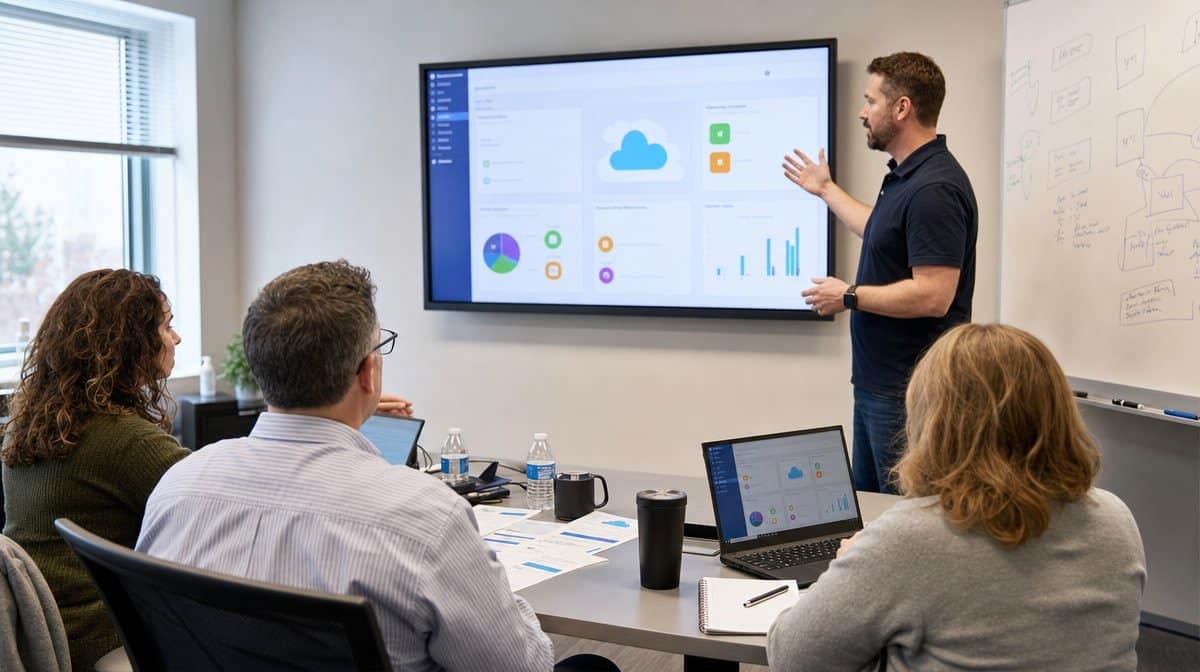
Manage Your Cloud Infrastructure for Growth
Cloud migration is not a set-it-and-forget-it type of deal. You have to manage this transition every step of the way in order to ensure constant uptime and a seamless experience for everyone. If you are migrating to AWS, for example, you will need professional guidance, support, and continuous cloud management in order to maximize the potential of the platform while minimizing operational costs.
AWS remains one of the leading cloud systems in the world, and similar platforms provide features that automate processes and help you scale your business in the cloud. Still, these platforms are complex. They require expert management, upkeep, monitoring, access control, cost review, and policy discipline if you want to realize the money-saving potential of cloud computing that everyone talks about.
Migrate in Stages to Ensure Uptime
Depending on the size of your business and the number and complexity of assets you are migrating to the cloud, the process can last quite a while. This is not something you can do in a day. If you migrate your entire business in one go, you risk causing a complete system shutdown until you are settled in the cloud.
To ensure uptime and operational efficiency, migrate your business in stages. Your dedicated migration team should use the application list you made earlier to set up a migration schedule, test dependencies, and make sure there is no overlap with co-dependent applications. CISA cloud security guidance also treats migration planning, shared services, and data protection as connected decisions rather than separate technical tasks. That is a useful way for business leaders to think about the work: each cutover should have an owner, a test plan, a backup point, a communication window, and a rollback decision before users are moved.

Focus Heavily on Security and Backup Solutions
Last but not least, you need to choose a cloud provider and platform that provide strong cybersecurity for your business. Data security is paramount for business growth and success, as it only takes a single cyber-attack to ruin your brand reputation and disrupt customer trust.
Cloud computing is known for leading cybersecurity solutions, but how these solutions are implemented will depend on your cloud provider and your internal controls. Check the provider track record, clarify shared responsibility, and confirm how identity access, encryption, logging, monitoring, backup, and disaster recovery will work after migration.
Make sure your cloud provider is constantly backing up your system to ensure uptime and facilitate disaster recovery. Regular backups are essential to a smooth migration process as well, especially while applications are moving in stages and users are still adjusting to cloud-based workflows. Do not assume backups are useful simply because they exist. Confirm retention periods, restore testing, access permissions, and who has authority to trigger a recovery if a migration step fails.
How Can You Migrate Your Business to the Cloud Successfully?
Migrating your business to the cloud is a step every growth-oriented business should consider in order to minimize expenses and elevate operational efficiency. The process is tricky, though, so use these tips to build a migration plan that keeps critical applications online, prepares employees early, and treats security and backup solutions as part of the migration rather than an afterthought.
The strongest cloud migration plans are specific. They name the applications, users, dependencies, training needs, infrastructure owners, security controls, and backup requirements before anything moves. They also define what success looks like after the move: stable uptime, trained employees, documented support paths, predictable costs, and a security posture that is at least as strong as the old environment. When those details are visible, the migration stops being a vague technology upgrade and becomes a manageable business project.
Frequently Asked Questions
What Is Cloud Migration?
Cloud migration is the process of moving business applications, data, servers, or workflows from on-premise systems into cloud infrastructure or cloud-based software. The goal is to improve access, scalability, resilience, and cost control without interrupting day-to-day operations.
How Should a Business Start a Cloud Migration?
A business should start by creating a clear inventory of software applications, information technology assets, users, dependencies, and data. That inventory lets leaders prioritize mission-critical applications and decide which systems should move first, later, or not at all.
Why Should Employees Be Trained Before Cloud Migration?
Employees should be trained early because cloud technology, SaaS tools, and online applications change daily work habits. Training reduces human error, protects productivity, and helps the company use the new cloud assets effectively after the migration.
How Can a Business Reduce Downtime During Cloud Migration?
A business can reduce downtime by migrating in stages, testing dependencies, scheduling cutovers carefully, and keeping rollback and backup plans ready. Mission-critical systems should not move until the migration team understands how each application supports the business.
What Security Issues Matter Most in Cloud Migration?
The most important security issues are identity access, data protection, backup reliability, vendor controls, monitoring, and incident response. Cloud providers offer strong security features, but the business still has to configure, manage, and audit those controls correctly.














