9 Audit Form Template Examples For Internal Audits
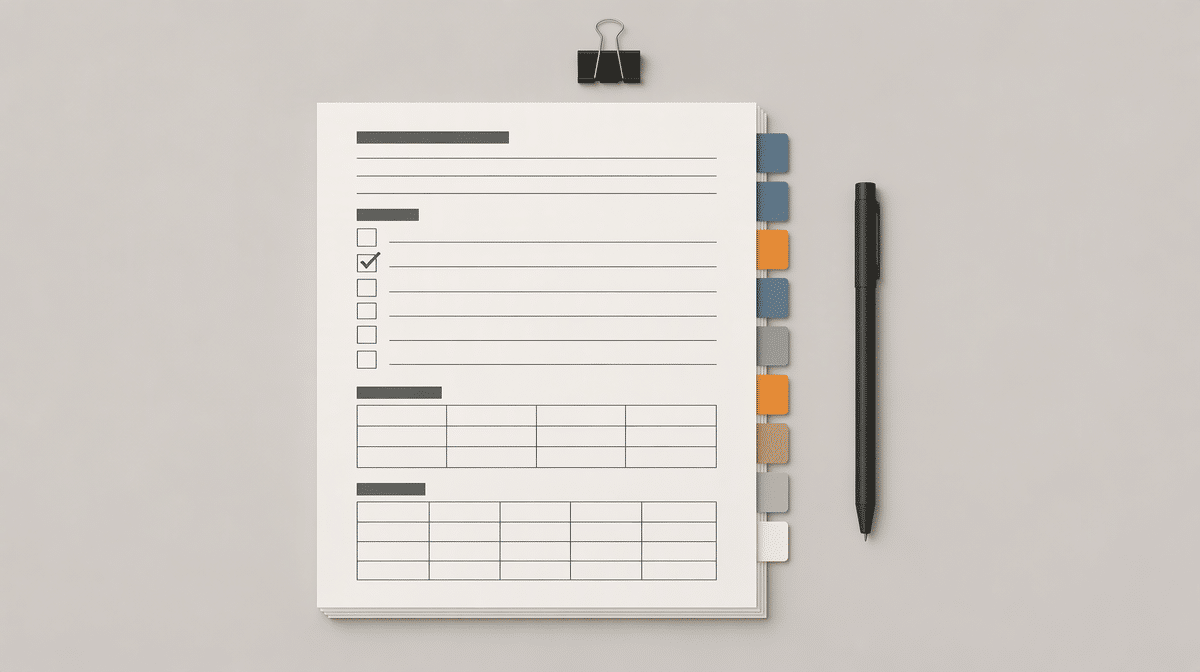
Use this guide with a controlled Bizmanualz audit form when you need a consistent record for evidence, findings, actions, and follow-up.
Review the vendor audit checklist templateAn audit form template should do more than give an auditor a list of questions. It should connect the audit objective to the evidence reviewed, the conclusion reached, the action assigned, and the proof that the action worked.
This guide gives you nine audit form template examples that work as one internal audit file. You can use the full set or select the forms that fit a quality, operations, safety, finance, or IT audit. Each example includes the fields that make the record useful, plus an editable workbook you can adapt.
The editable workbook includes an index and nine connected worksheets for planning, document requests, walkthroughs, testing, evidence, findings, corrective actions, follow-up, and reporting. All sample data is illustrative.
Download the XLSX toolkitWhat Makes an Audit Form Useful?
A useful form makes the auditor’s reasoning traceable. Another reviewer should be able to see what the auditor planned, which criteria applied, what was tested, what evidence was obtained, and why the evidence supports the conclusion. If the record contains only a checked box, the reviewer cannot tell whether the answer came from a document, an interview, an observation, or an assumption.
The form should also carry work forward. A failed test should create a finding reference. The finding should create an action reference. The action should create a follow-up test. This chain is what separates a practical internal audit form template from a disconnected stack of notes.
The Global Internal Audit Standards describe performing internal audit services as planning engagements, conducting work to develop findings and conclusions, collaborating with management on recommendations or action plans, and communicating during and after the engagement. Your forms should preserve that sequence without forcing every audit into the same set of questions.
- Identity: audit title, unique ID, process, period, auditor, process owner, and dates.
- Purpose: objective, scope, criteria, risks, exclusions, and intended conclusion.
- Traceability: test IDs, evidence IDs, finding IDs, action IDs, and cross-references.
- Accountability: preparer, reviewer, owner, due date, approval, and status.
- Closure: implementation evidence, effectiveness test, residual issue, and closure decision.
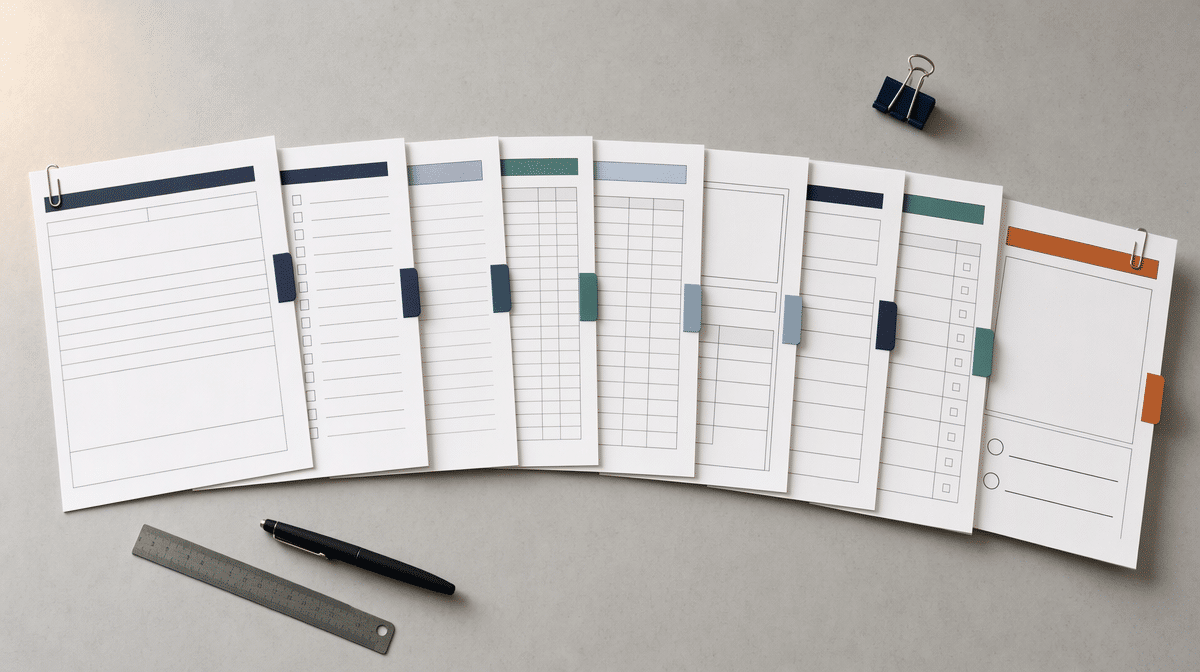
9 Audit Form Template Examples
These examples follow the natural life of an audit. The first form defines the work. The middle forms capture the process, tests, evidence, and findings. The final forms turn conclusions into assigned actions and verified closure.
1. Internal Audit Engagement Plan
The engagement plan defines why the audit exists before the team starts collecting records. Include the objective, scope, criteria, process or location, risks, exclusions, schedule, audit roles, reporting route, and approval. Add a sampling approach when the auditor will test a selection rather than every item.
Keep the objective answerable. “Review purchasing” is too broad. “Determine whether purchases above the approval threshold received documented authorization before commitment” tells the auditor what conclusion the evidence must support.
2. Audit Document Request Form
A document request form tracks what the auditor needs, who should provide it, when it is due, what was received, and whether the record is complete. Useful fields include request ID, document or data description, purpose, owner, request date, due date, received date, version, period covered, status, and follow-up note.
Link every request to the approved objective or a planned test. This keeps the request list focused and makes it easier to explain why sensitive or time-consuming information is necessary.
3. Process Walkthrough Form
A walkthrough form records how one real transaction, case, or service moves from start to finish. For each step, capture the activity, responsible role, input, system or location, control, evidence seen, exception path, and auditor conclusion. Ask the process owner to show what happened rather than describe only what should happen.
A simple diagram can make handoffs easier to understand. Review the main types of process maps when you need to choose between a basic flowchart, cross-functional map, or more detailed process model.
4. Internal Audit Checklist Form
The checklist turns criteria into repeatable tests. Each row should state the requirement or question, testing method, sample, expected evidence, evidence obtained, result, finding reference, auditor, and review note. Use result choices such as conforms, exception, not tested, and not applicable, with a required explanation for the last two.
An internal audit checklist helps with consistency, but it should not replace judgment. Tailor questions to the approved criteria and process risk, then record the evidence that supports each answer.
5. Audit Evidence Log
The evidence log is the index for everything the auditor relied on. Give each document, data extract, interview, observation, sample, and reperformance record a unique evidence ID. Record its description, source, period, related test, file or location, reliability note, preparer, reviewer, and any access restriction.
Separate what a person said from what the auditor verified. An interview can explain a control, but a transaction record, system configuration, observation, or reperformance may be needed to show that the control operated.
6. Audit Finding Form
A finding form turns an exception into a clear, reviewable record. Include a finding ID, concise title, applicable criterion, observed condition, evidence references, cause, risk or consequence, rating, recommendation, management response, owner, target date, reviewer, and status.
State what the evidence proves and no more. If a sample contains three missing approvals, record the population, sample, three exceptions, and related amounts. Do not claim that every transaction failed unless the audit tested every transaction or has evidence that supports that conclusion.
7. Corrective Action Plan Form
The corrective action form assigns a specific response to each accepted finding. Record the finding ID, action ID, corrective action, deliverable or evidence, accountable owner, start date, due date, dependencies, status, management note, and escalation route. One finding may need several actions when policy, system configuration, training, and open exceptions all require attention.
A strong action describes the result and proof of completion. “Improve approvals” is vague. “Configure the workflow to require the designated approver before commitment and provide the approved configuration plus an exception report” is testable.

8. Audit Follow-Up Verification Form
Follow-up verification checks whether the action was implemented and whether it corrected the problem. Include the action ID, implementation evidence, effectiveness test, sample or period, result, residual issue, verifier, verification date, and closure decision. Result choices might include effective, partly effective, ineffective, and not tested.
Do not close an action merely because the owner marked it complete. Inspect the promised deliverable, test later activity, and record whether the original exception recurred. Extend, escalate, or redesign the action when the control still does not work.
9. Internal Audit Closing Report Form
The closing report brings the engagement into one approval-ready record. Summarize the objective, scope, criteria, approach, sample, exclusions, positive practices, findings, agreed actions, follow-up plan, distribution, approval, and release date. Cross-reference the detailed finding and action forms rather than repeating every field.
Write the overall conclusion in language that matches the work performed. A limited sample can support a conclusion about the sampled period and controls, but it may not support a guarantee that no other exceptions exist.
How To Build One Connected Audit File
Use a simple naming convention so every record can be traced. For example, engagement IA-2026-004 could contain test T-03, evidence EV-014, finding F-002, action CA-003, and follow-up FV-003. The numbers matter less than using them consistently.
- Approve the engagement objective, scope, criteria, roles, and schedule.
- Issue focused document requests linked to planned work.
- Walk through one real transaction or case before finalizing tests.
- Run the checklist and record evidence for every result.
- Create a finding form for each supported exception.
- Agree specific corrective actions with owners and due dates.
- Verify implementation and effectiveness before closure.
- Release the closing report to authorized recipients.
A digital quality management system can help manage version control, access, approvals, evidence, actions, and retention. A well-controlled shared drive can also work for a smaller program when ownership, naming, permissions, and review rules are clear.
How To Adapt the Forms by Audit Type
Quality Audit Form Template
For a quality audit, add the applicable procedure, product or service, requirement, record sampled, nonconformity classification, correction, corrective action, and effectiveness check. Use the process walkthrough and evidence log to connect documented procedures to actual work and retained records.
IT Audit Form Template
For an IT audit, add system owner, environment, data classification, user population, privileged access, change record, backup or recovery evidence, incident record, configuration evidence, and test date. NIST’s Small Business Cybersecurity Corner organizes practical guidance around topics including access protection, phishing, incident response, securing data and devices, and securing network connections. Use the topics that match the system and risk rather than copying every cybersecurity question into every audit.
Safety Audit Form Template
For a safety audit, add the work area, task observed, hazard, existing control, affected workers, required action, immediate correction, owner, due date, and verification. OSHA’s recommended safety and health practices use a proactive approach that focuses on finding and fixing hazards before they cause injury or illness, along with monitoring performance and evaluating outcomes.
Finance or Compliance Audit Form Template
For a finance or compliance audit, add the account, transaction population, value, approval threshold, role separation, reconciliation, exception, applicable rule, period, and supporting record. Keep the exact jurisdiction, contract, policy, or regulatory criterion beside the test so the auditor does not turn general good practice into a mandatory requirement.
Common Audit Form Mistakes
- Using one giant form for every audit. Keep a connected set so planning, evidence, findings, actions, and follow-up remain clear.
- Recording answers without evidence. Require an evidence reference or a reason the item is not applicable.
- Mixing criteria with recommendations. A criterion states what applies. A recommendation states the control outcome needed to address a supported finding.
- Leaving ownership vague. Assign one accountable owner and a realistic due date to each action.
- Closing actions without effectiveness testing. Verify later activity and the original risk, not just the promised deliverable.
- Collecting unnecessary sensitive data. Request only what supports the approved objective and apply appropriate access and retention controls.
- Overstating sample results. Describe the population, selection, exceptions, and limits of the conclusion.
Good internal audit testing is easier to review when each form has a clear purpose and every conclusion points back to evidence. Start with the nine-form toolkit, remove forms that do not fit the engagement, and tailor the remaining fields before fieldwork begins.
Frequently Asked Questions
What Fields Should Every Audit Form Include?
Every audit form should identify the audit, process, period, preparer, reviewer, objective, applicable criteria, evidence references, conclusion, owner, status, and relevant dates. Add test, finding, action, and follow-up IDs when the form is part of a connected audit file.
Can One Audit Form Cover Every Type of Internal Audit?
One form can capture basic audit administration, but a connected set is usually clearer. Use separate forms for planning, requests, walkthroughs, tests, evidence, findings, actions, follow-up, and reporting, then tailor the criteria and fields to the audit type.
What Is the Difference Between an Audit Checklist and an Audit Finding Form?
An audit checklist records the criteria tested, method, sample, evidence, and result. An audit finding form documents one supported exception in detail, including the criterion, condition, evidence, cause, risk, recommendation, management response, owner, and target date.
How Should Completed Audit Forms Be Stored?
Store completed forms in a controlled location with consistent names, version history, access permissions, approval records, retention rules, and links to supporting evidence. Limit access to authorized people and preserve the final report, findings, actions, and follow-up record for the required retention period.
Use a controlled audit form for supplier qualification, evidence, findings, and follow-up.
Review the vendor audit checklistBuild practical criteria, evidence fields, test results, and finding references.
Read the checklist guideAdapt all nine connected forms in one editable workbook.
Download the XLSX toolkit