What Document Control System is Most Effective?

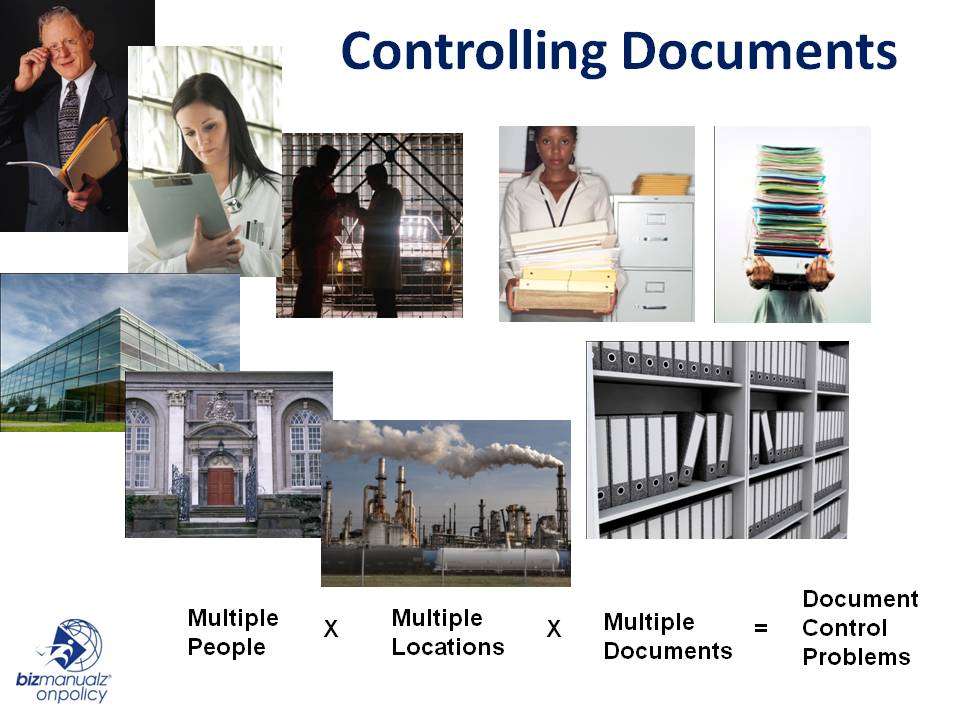
Your working drafts may live in one folder, approved versions in another, and previous versions in an archive. That arrangement can work, but only when people can identify the current approved document, know who may change it, and prevent obsolete copies from returning to use. These are also the controls behind the ways policies and procedures software can save money.
The most effective document control system makes the current approved version easy to find, restricts unauthorized changes, records approvals and revisions, controls externally supplied documents, and preserves audit evidence. A purpose-built document control management system usually supports these controls more consistently than folders alone, but effectiveness still depends on configuration, ownership, training, and use.
How Are You Managing Your Policies and Procedures?
A file sharing server, SharePoint library, Google Drive, OneDrive, or an intranet can all store policies and procedures. Storage alone, however, does not create control. The practical questions are whether the repository promotes easy retrieval and fast, authorized changes, and whether employees can distinguish a released version from a working copy.
Some companies create folders for clauses of ISO 9001. Others arrange documents by functional area or department and establish intranet policies and procedures for multiple departments. Either approach needs limited read-write privileges, named owners, a repeatable approval method, and a clear archive rule.
ISO 9001 and Control of Documented Information
ISO 9001:2026 is the current edition of the quality management systems standard, and ISO continues to identify documented information as a support topic within a quality management system. Organizations transitioning from the 2015 edition should confirm timing and detailed requirements with their certification body.
The familiar ISO 9001 clause 7.5.3 control framework remains a useful way to examine documented information. Rather than treating an older checklist as current verbatim standard text, evaluate whether your system can:
- support approval for suitability before release;
- support review, updates, and reapproval;
- identify changes and relevant versions;
- make the current version available at its point of use;
- keep information legible and identifiable;
- control access, distribution, retrieval, and externally originating documents; and
- protect retained information and prevent unintended use of obsolete copies.
The same operating discipline helps distinguish document control and record control. Backup, security, recovery, and scalability are also sensible selection criteria, although buying software does not by itself demonstrate conformity.
Document Control System Effectiveness Scorecard
Use this scorecard as a practical decision aid. Mark each row Yes, Partial, or No for your current system, then record one improvement action. The table is an operational assessment, not a certification result.
| Control objective | Evidence to look for | Yes / Partial / No | Improvement action |
|---|---|---|---|
| Approval before release | Named reviewer, approver, date, and released status | ||
| Review and reapproval | Review cycle, owner, and reapproval record | ||
| Revision history | Version number, change summary, author, and date | ||
| Point-of-use access | One clear current version available where work occurs | ||
| Permissions | Read, edit, approve, and release rights separated as needed | ||
| External documents | Owner and update method for customer drawings, regulations, and standards | ||
| Obsolete copies | Archived versions identified and blocked from routine use | ||
| Search and retrieval | Employees can find the correct document without knowing a folder path | ||
| Backup and recovery | Defined recovery responsibility and tested restore process | ||
| Audit evidence | Approvals, revisions, release dates, and acknowledgements can be reported |
A manual file server may score well when ownership and discipline are strong. A structured document library can improve metadata, permissions, and search. Workflow-enabled document tracking software can add routing, approvals, release status, and audit trails. Industry-specific needs may add further controls. For example, aerospace document management may require customer, regulatory, configuration, or retention requirements beyond this general scorecard.
Manual File Server Document Control System
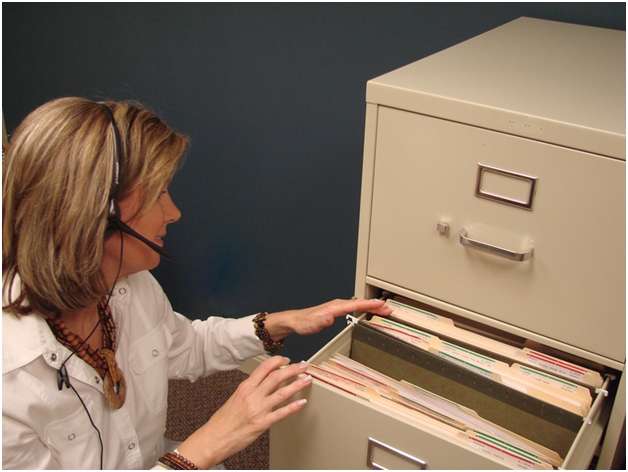
Bizmanualz offers free policies and procedures, but managing any document set requires controls after the file is written. Some teams approve a document with a written signature and scan the approved version into a file server as a PDF. Others keep a separate transaction log of approvals and reviews, or type the approver, reviewer, and author names into the document.
Tracking Document Changes and Revisions
Tracking changes, revisions, and relevant versions as you revise policies and procedures is cumbersome in a manual system. An archive folder can protect older files from routine use. Microsoft Word Track Changes can mark additions and deletions during drafting, but it does not replace approval, release, permission, or distribution controls.
Controlling Document Distribution

Maintaining relevant versions at the point of use and controlling document distribution is especially difficult for externally originating documents such as customer drawings, regulatory materials, and standards. Printed materials can remain in the field after an update unless the system includes a recall or replacement step.
A desktop shortcut to a Quality Documents folder or a mapped drive such as M: can help employees reach the repository. It does not tell them whether the selected file is approved or current. Unapproved or outdated procedures, uncontrolled copies, inaccessible or lost documents can all become a document control audit finding when the surrounding process misses a step.
Document Management Software

A workflow-enabled document management software platform can support more than file serving. Look for capabilities that fit the risks and scorecard gaps you identified:
- backup and recovery responsibilities that match your recovery objectives;
- security using group, role, or individual permissions;
- full-text search and fast document retrieval;
- a complete revision history with comments, dates, and authors;
- document workflows showing reviewers, approvers, and release dates;
- support for multiple file types, scanning, importing, and record control;
- hyperlinks, attachments, metadata, and custom views; and
- reports and acknowledgement records that show access or receipt without claiming that acknowledgement proves understanding or adherence.
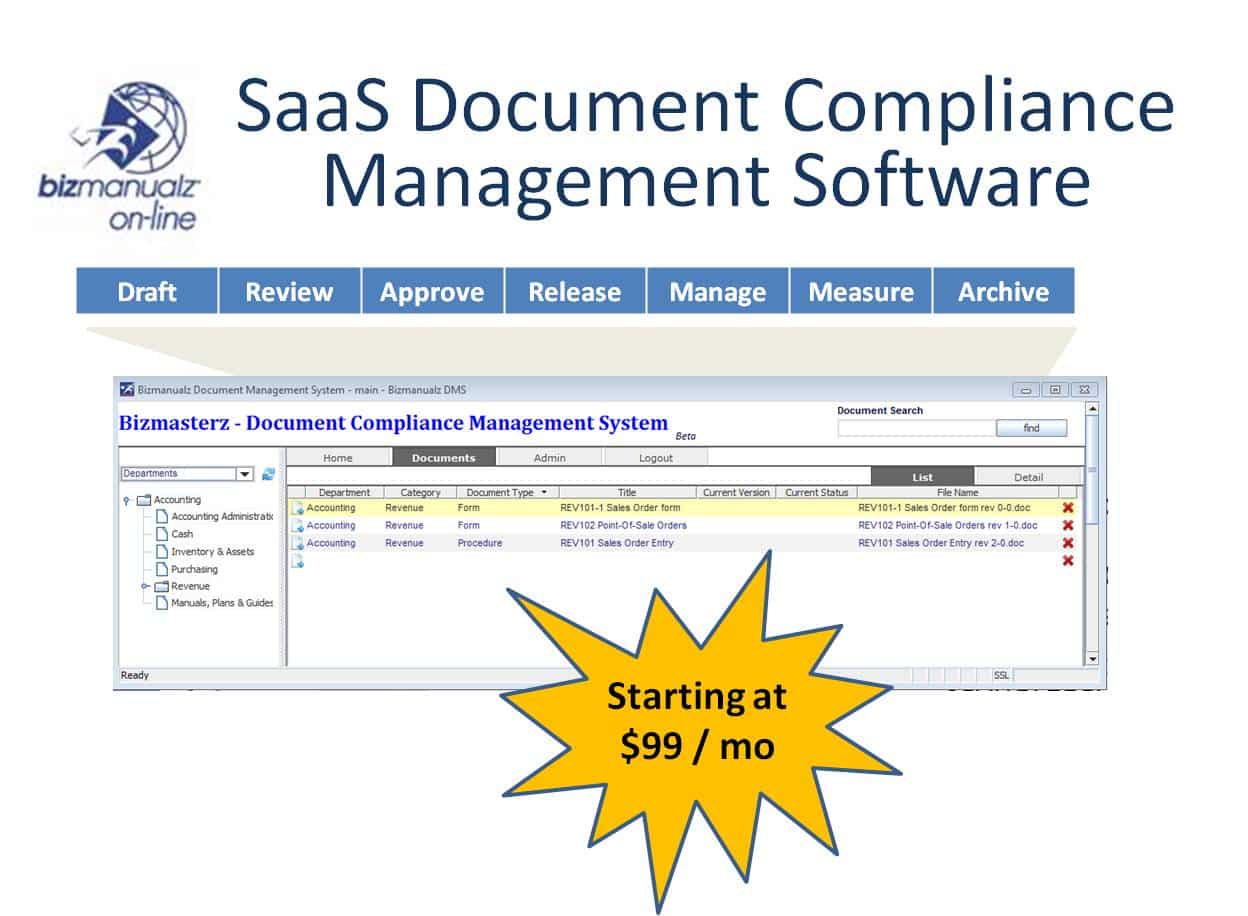
The retained image above is a legacy OnPolicy promotional composite, not evidence of the current interface or current price. Verify current vendor capabilities and terms directly before selecting a system.
What Document Control System Is Most Effective?
The most effective system is the simplest one that reliably satisfies your control objectives. A disciplined file server can be sufficient for a small, low-complexity document set. As documents, locations, approvers, and external requirements increase, a structured library or workflow-enabled document management system can reduce dependence on transaction logs, memory, and manual follow-up.
Use the scorecard before comparing products. Confirm who owns the process, who may edit, who approves, what counts as released, how obsolete copies are blocked, and which evidence must be available during an audit. Then test the proposed system with a real policy revision from draft through review, approval, release, acknowledgement, and archive.
To discuss a practical next step, contact Bizmanualz.
Frequently Asked Questions
Can a shared drive meet document control requirements?
Yes, if the shared drive is supported by clear ownership, permissions, approval records, version identification, point-of-use access, archive rules, and checks that prevent obsolete copies from being used.
What is the difference between document control and record control?
Document control manages information that may be revised, while record control protects evidence of completed activities according to identification, retention, access, and disposition rules.
Which document control features matter most for a small business?
Start with permissions, approval and release status, revision history, search, point-of-use access, obsolete-copy control, backup and recovery, and an audit trail that employees can use consistently.
Does document management software automatically make a company ISO 9001 compliant?
No. Software can support documented-information controls, but conformity depends on the organization’s processes, configuration, responsibilities, implementation, evidence, and continuing use.
How should you test a document control system before choosing it?
Run one real procedure through drafting, review, approval, release, employee access, revision, and archive, then confirm that the system preserves the evidence required at each step.