
Which is the Easiest Free Website Builder?

Publishing a website without programming skills is easier than it used to be. Choosing the easiest free website builder is harder, because every free version places different limits on domain names, advertising, pages, storage, bandwidth, analytics, and online-store features.
The right choice is not simply the builder with the longest feature list. It is the one that lets you create a respectable personal website or company website quickly, test your idea, and understand exactly when a premium subscription will become necessary.
What Is an Easy Free Website Builder?
An easy free website builder is a ready-made, no-code service that combines hosting, design templates, and a visual editor. Instead of asking you to write code, the builder lets you add, remove, and edit sections with a block structure or drag-and-drop controls. That approach can help a small business launch in minutes or hours rather than commissioning a web developer for every change.
Ease also depends on the work you need the site to do. A digital marketer creating landing pages to test ideas needs fast loading speed and simple publishing. A retailer needs an online store, product controls, and payments. A local service company may only need a few pages, contact details, and a site that can attract customers online.
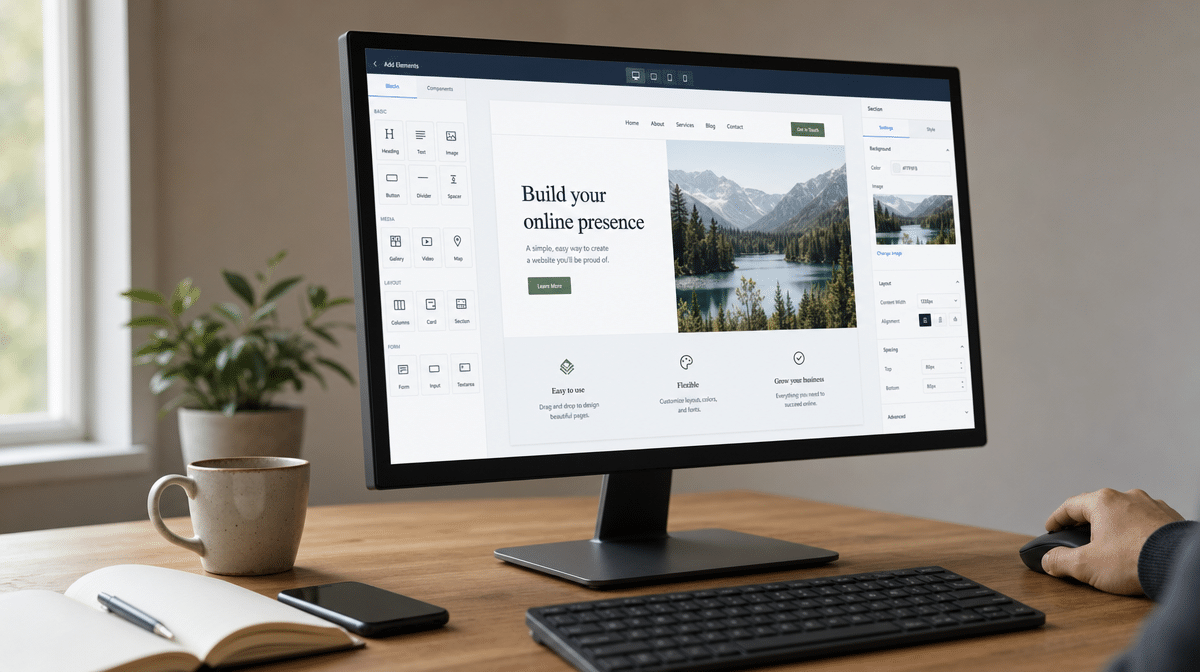
Free does not mean unrestricted. A free rate usually provides a second-level domain or branded subdomain, limited memory or disk space, a bandwidth allowance, and advertising or a platform footer. Advanced functionality, a custom domain name, additional creation options, e-commerce tools, and broader design templates often require a paid plan. Mobile-ready output also matters because Google uses mobile-first indexing, making its mobile-first guidance a useful baseline when you test a builder.
10 Best Free Website Builders
The following ten services shaped the free website-builder market, but they are not all equal choices now. Some still offer a usable free site, some have materially different limits, and some have closed. The advantages and disadvantages below focus on what a nontechnical user should verify before committing content, photos, and a domain to any platform.
Weblium.com
Weblium is still a current website builder with a block-based editor and hundreds of ready-made templates. Its free version is useful for building and evaluating a simple site, but it carries Weblium branding and a Weblium subdomain. The published free-plan comparison lists 100 MB of storage and 500 MB of bandwidth.
The biggest restriction is not the page-building experience. A custom domain, search indexing, online-store access, contact-form responses, external integrations, and several marketing tools require paid access. Weblium is easy for visual creation, but the free site works better as a design test than as a permanent customer-acquisition channel.
Earlier descriptions emphasized more than 170 ready-made templates, the ability to add or remove sections, and a fast loading experience built with the latest technologies. Those advantages still describe the builder’s direction, but current plan limits should take priority over any old feature count.
Wix
Wix remains one of the most popular free website builders because it combines a large template library, AI-assisted creation, drag-and-drop editing, hosting, and mobile optimization. The free version includes a Wix-branded address, Wix advertising, and 500 MB of storage. It is a practical way to build a professional-looking site and learn the editor before paying.
A paid plan is required to connect your own domain, remove Wix branding, accept e-commerce payments, or connect tools such as Google Analytics. That makes Wix a strong general-purpose choice for a portfolio, basic company website, or prototype, but not a truly free long-term online store.
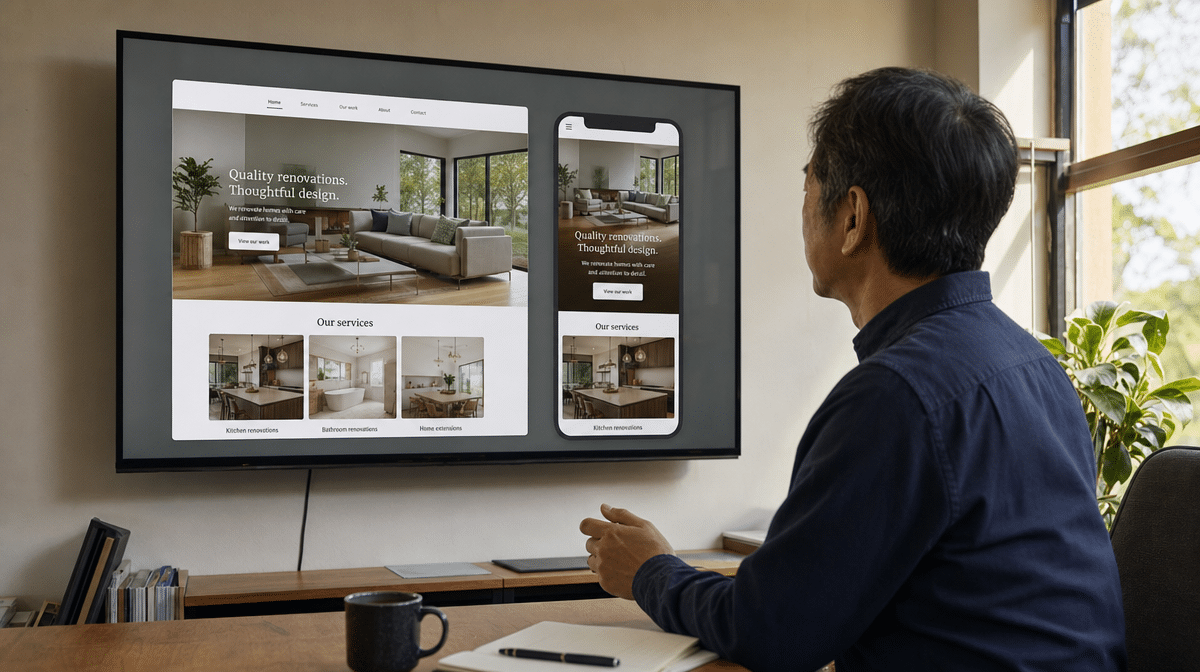
The mobile version is generated from the same site, but you should still inspect it before publishing. Do not assume that every built-in statistic, Facebook feature, application, or advanced creation option mentioned in an older Wix comparison remains part of the free offer.
WebStarts
WebStarts was originally attractive as a simple solution for a small personal website, with a visual editor and a modest free-site allowance. Its current public offer is less transparent than the earlier five-page, limited-memory plan described by many older comparisons.
If WebStarts is on your shortlist, build a test site before moving a domain or business content. Confirm the current page limit, storage, footer branding, mobile behavior, export options, and technical support in the account itself. A builder can be easy to start and still be difficult to leave.
Moonfruit
Moonfruit was once an easy-to-use website builder known for creative templates, a mobile version, and Facebook integration. It is no longer a current option. The Moonfruit platform was decommissioned on December 7, 2021, and customers were directed toward a migration path.
That closure is a useful warning about platform dependence. Before choosing any free constructor, check whether you can export text, images, and domain settings. Low cost does not offset the work of rebuilding when a hosted service disappears.
DoodleKit
DoodleKit became known for offering a free rate with basic pages, an RSS feed, photo storage, and a monthly-traffic allowance. Those comparison points still matter, but the exact current limits are not consistently documented in an authoritative public plan table.
Treat DoodleKit as a verify-first option. Create a test account and confirm the page limit, maximum photos, storage, traffic or hits per month, mobile rendering, ads, and whether the editor receives regular updates. For a business site, a clearly documented service is usually easier to manage than a generous but uncertain offer.
Older plan summaries listed a second-level domain, five pages, a built-in RSS feed, as many as 500 photos, and 25 thousand hits per month. Use those figures only as questions for the vendor, not as current promises.
Yola
Yola continues to offer a free website plan and an easy visual editor. The current free plan provides one website, two pages, two language options, and 100 MB of storage. That is enough to test the editor or publish a compact personal site, but it is much smaller than the older offer of multiple websites and banner-free hosting.
The free plan does not include a custom domain, advanced design customization, site statistics, analytics, custom code, or removal of the Yola header. Yola can still be useful when simplicity is the main thing, but a growing company will reach the plan boundary quickly.
This is a material change from the old offer, which advertised five websites, banner-free hosting, technical support, built-in statistics, and 1 GB of disk space per site. Comparing the old and current limits shows why free-plan details must be rechecked before launch.
Webs
Webs.com once offered a free site with a mobile version, advertising, limited bandwidth and disk space, plus a small product limit for an online store. The service is now retired by VistaPrint, so it should not appear on a current shortlist as an available builder.
VistaPrint now points former Webs users toward a Wix-based service. The practical lesson is to verify that a free platform is actively supported, provides a migration route, and allows you to retain control of your domain name before you invest in design and content.
Emyspot
Emyspot attracted users with few apparent restrictions on pages and bandwidth, although the tradeoff included a platform domain, limited memory, and advertising. It also highlighted a recurring problem for free e-commerce: a builder may let you publish pages while holding back the templates, product tools, or payment features needed to sell.
The current English-language plan details are difficult to verify, so do not rely on an old promise of unlimited pages. Confirm storage, ads, e-commerce templates, payment support, mobile output, and export options directly before treating Emyspot as a dependable company website.
Earlier descriptions mentioned 250 MB of memory and lots of ads, while presenting the lack of free templates for e-commerce as the main disadvantage. The comparison remains useful, but the exact rate and restrictions need current account-level confirmation.
Let’s Eat
Let’s Eat targeted the restaurant industry with a single-page mobile site and integrations such as OpenTable and Google Maps. The original idea was sensible: a restaurant website should make its menu, location, hours, reservations, and contact details easy to use on a phone.
The old free builder offer can no longer be verified as a dependable current service. Restaurant owners should apply the same use case to an active builder, then confirm mobile performance, map and reservation integrations, photo and text limits, accessibility, analytics, and ownership of the domain.
Webnode
Webnode still offers a free version for a personal website or basic business presence. A free site uses a Webnode subdomain and currently includes 100 MB of storage and 500 MB of monthly bandwidth. The service can remain free indefinitely, and the editor covers most basic site-building functions.
A custom domain and advanced functionality require a premium package. Webnode is a reasonable choice for a small informational site, but an online store, a large photo library, heavy traffic, multiple language versions, or advanced analytics should be compared against the paid limits before launch.
Older plan information separated a personal website from an online store, used much smaller memory limits, capped the quantity of goods, and highlighted an optimized mobile version and Russian interface. The current free plan is better judged by its documented storage and bandwidth than by those legacy details.
How Should You Choose a Free Website Builder?
Start with the finished site, not the template gallery. Write down the pages you need, expected traffic, domain requirements, forms, analytics, languages, photos, and whether visitors must buy products or book a service. A free website builder is easiest when its constraints match that list without a workaround.
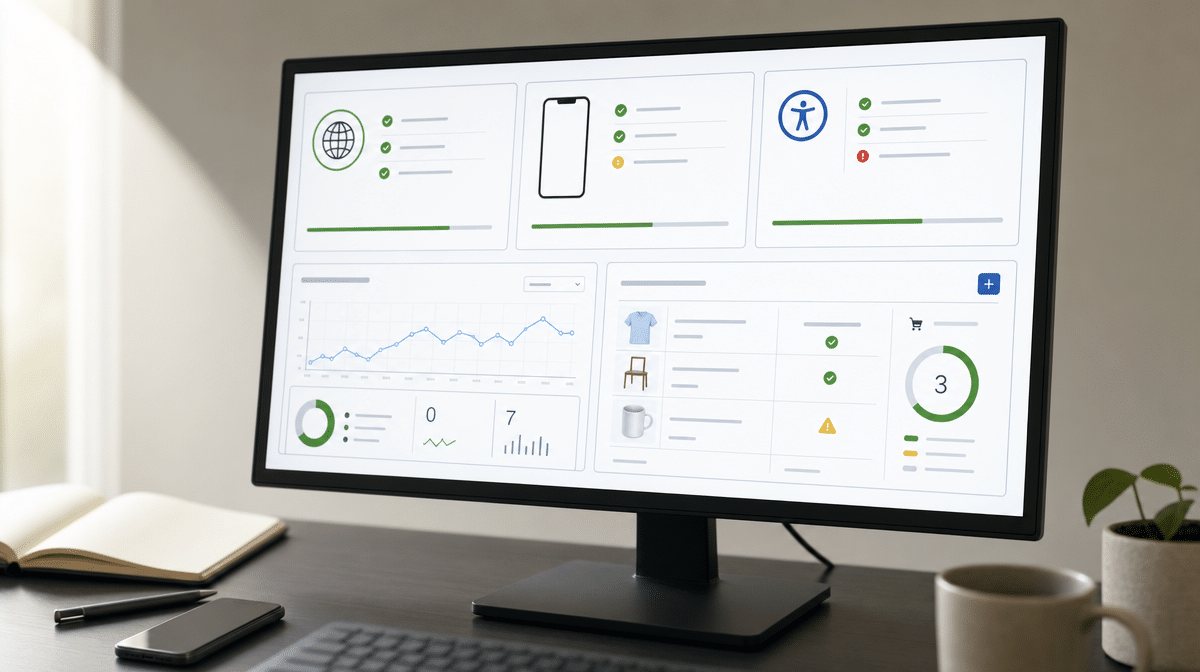
Test the editor on both desktop and mobile. Publish a sample page, compress and upload several images, connect a form, and check the mobile version. Review headings, keyboard navigation, color contrast, form labels, and alternative text for images. The W3C accessibility principles provide a reliable framework for checking whether the builder helps you create content that is perceivable, operable, understandable, and robust.
Then price the first realistic upgrade. A free site can be an excellent way for digital marketers to test ideas, for a founder to validate a company website, or for a student to publish a portfolio. It is less useful if platform advertising, a second-level domain, limited bandwidth, or missing Google Analytics makes the finished site unsuitable.
Finally, consider what happens after the free version. Check the cost of a domain, additional storage, technical support, backups, advanced design templates, e-commerce, and migration. Ready-made solutions can save time, but the easiest free website builder is the one that remains manageable when your site succeeds.
Frequently Asked Questions
What Makes a Free Website Builder Easy to Use?
An easy builder combines templates, visual editing, hosting, mobile-ready output, and clear publishing controls. Its free-plan limits should also be easy to find and understand.
Can You Build a Business Website for Free?
Yes, a free plan can support a basic informational site or prototype. Most businesses eventually need a paid plan for a custom domain, removal of platform advertising, analytics, forms, e-commerce, or additional capacity.
Can You Use Your Own Domain With a Free Website Builder?
Most free builders publish to a branded or second-level domain. Connecting a custom domain usually requires a premium subscription, so confirm that cost before building the full site.
What Limits Do Free Website Builders Usually Have?
Common limits include pages, storage, bandwidth, templates, forms, analytics, custom code, advertising, support, and domain options. Online-store features and payments are also frequently reserved for paid plans.
Which Features Matter Most for an Online Store?
Check product limits, payment support, inventory, mobile checkout, taxes, shipping, analytics, domain connection, and transaction fees. A builder that is free for ordinary pages may still require payment before customers can place orders.














