
How Do You Prepare a Project Management Checklist?

Projects rarely fail because one person forgot that the work mattered. They fail because goals drift, budgets blur, stakeholders stop hearing updates, and small dependencies stay invisible until the deadline is already at risk. If you want projects and tasks completed on time, on budget, and to your quality standards, a project management checklist gives the team a shared operating path.
Creating a project management checklist can help you define the work, assign owners, identify risks, and integrate the checklist into your team’s workflow. The six-step approach below preserves the practical sequence: start with the goal, set the budget and resources, divide the work into deliverables, plan communication, identify risks, and connect the checklist to your project management software.
What Is a Project Management Checklist?
A project management checklist is a structured list of the tasks, decisions, owners, resources, deadlines, communication points, and risk controls needed to complete a project. It is not just a to-do list. It is a practical control system that helps the team understand what a successful outcome looks like and how the work will move from project initiation through delivery.
The Project Management Institute describes project management as work that applies knowledge, skills, tools, and techniques to meet project requirements. That is why a useful checklist should include more than task names. It should also capture scope, deliverables, stakeholders, risks, and communication expectations, all of which are part of the project management discipline.
Why Are Checklists Important?
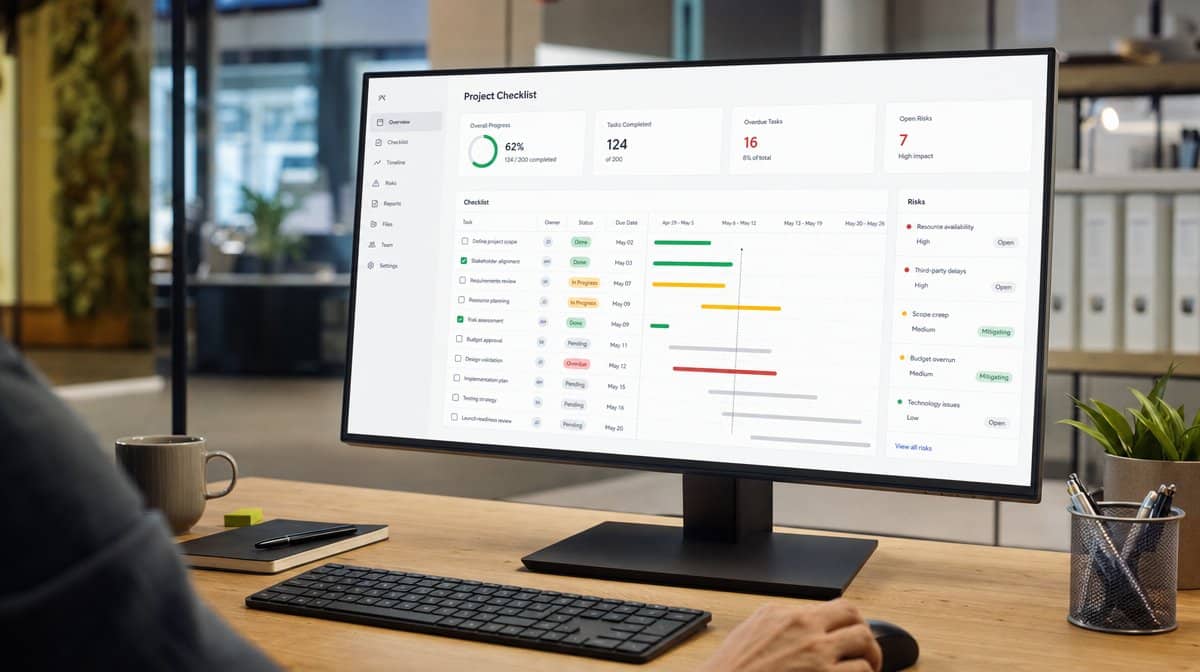
As you grow your team and delegate more projects, the quality of the work you deliver can suffer. You can mitigate this risk and prevent project management failures by building better systems, processes, and checklists, then making sure everyone on your team follows them. This method can work across almost any functional area in a business, from sales and marketing to HR, finance, and customer service.
Checklists are important because they make expectations visible. A project manager can see whether a task has an owner, whether a deadline is realistic, whether a stakeholder needs an update, and whether a dependency could block the next step. A team member can see what is expected before work begins, instead of guessing after the project is already underway.
The 6 Step Approach to Building a Project Management Checklist
Here is a guide to designing a comprehensive checklist that fits into your team’s existing workflows. The steps are simple, but the sequence matters. Start with the goal, then define the resources, phases, communication, risks, and software location that keep the checklist active after kickoff.
1. Start With a Goal
The first thing to determine as part of your project initiation is the goal of the project. This almost seems too obvious to include. However, before you can build a checklist, you need to define the goal of the project in plain language.
A great question to ask is: What does a successful outcome look like? The answer should be specific enough that the team can make decisions from it. If the goal is vague, the checklist will become a pile of tasks. If the goal is clear, the checklist becomes a map for reaching the result.
2. Determine the Budget and Any Resources Needed
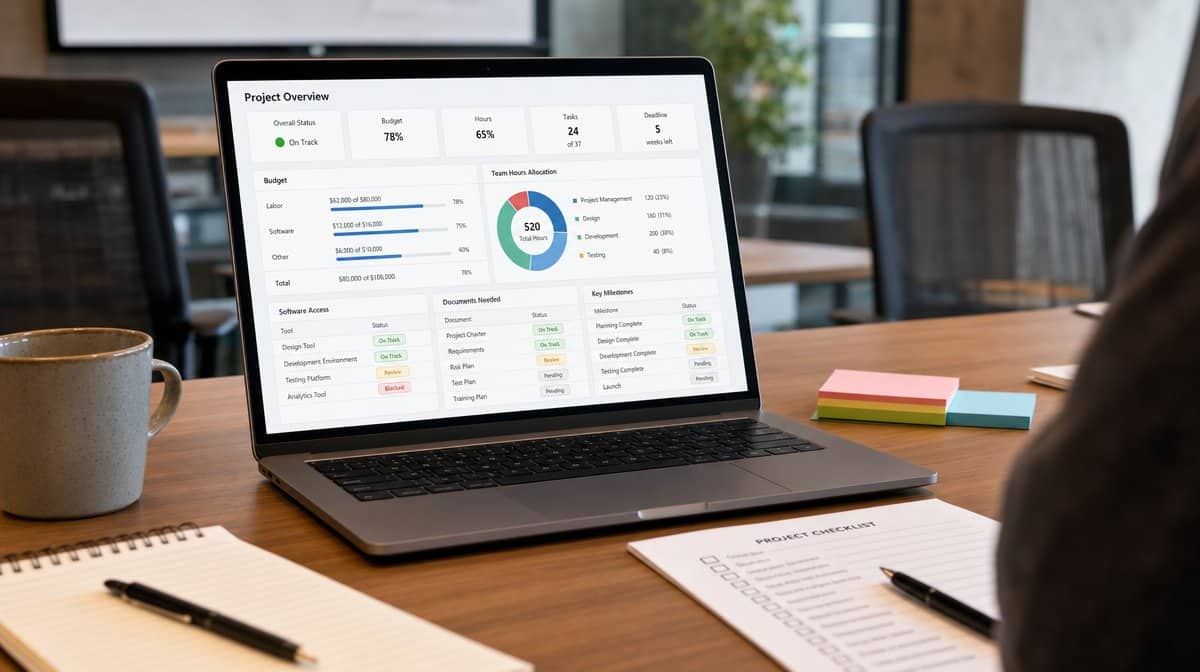
Once you know the goal, you can think through resource allocation and capacity planning to set a budget. Resource allocation does not just include your team members. It can also include project management software, client access, documentation, subject-matter expertise, approval time, and any tools required to complete the work.
For example, if you are a Shopify web design agency creating a checklist for how to onboard new web design clients, you need access to Shopify, user credentials for the client’s account, account management details, onboarding forms, kickoff call notes, brand assets, and the people who will approve each milestone. If those resources are not listed in the checklist, they will still be needed later, but they will appear as delays instead of planned requirements.
3. Divide the Goal Into Small Deliverables With Deadlines
Now it is time to create your checklist. It is easy to get overwhelmed by a big project, especially when the final deliverable contains many smaller decisions. One way to avoid the feeling of being overwhelmed is to divide the project into smaller, more manageable tasks and deadlines.
Let’s go back to the Shopify web design agency example. If you want to build out a full client onboarding process, avoid creating one giant checklist that covers the whole engagement. Divide the work into smaller checklists by project phase. You might have a checklist called “1st week” that includes all of the following:
- Get login details for the client’s Shopify store.
- Send a welcome email and schedule a project kickoff call.
- Collect the client’s website assets, including brand style guidelines, copy, images, and product information.
Then the second checklist for this project might focus on building out the wireframes. The third checklist might turn the wireframe into the first draft of the site. The fourth checklist would cover internal QA before anything goes back to the client. And so forth.
You can then group all of these checklists into one larger project for completing the first website build for a new Shopify client. This same approach of breaking apart a complex process can also work for internal projects, like onboarding a new project manager to the team.
4. Create a Communication Plan
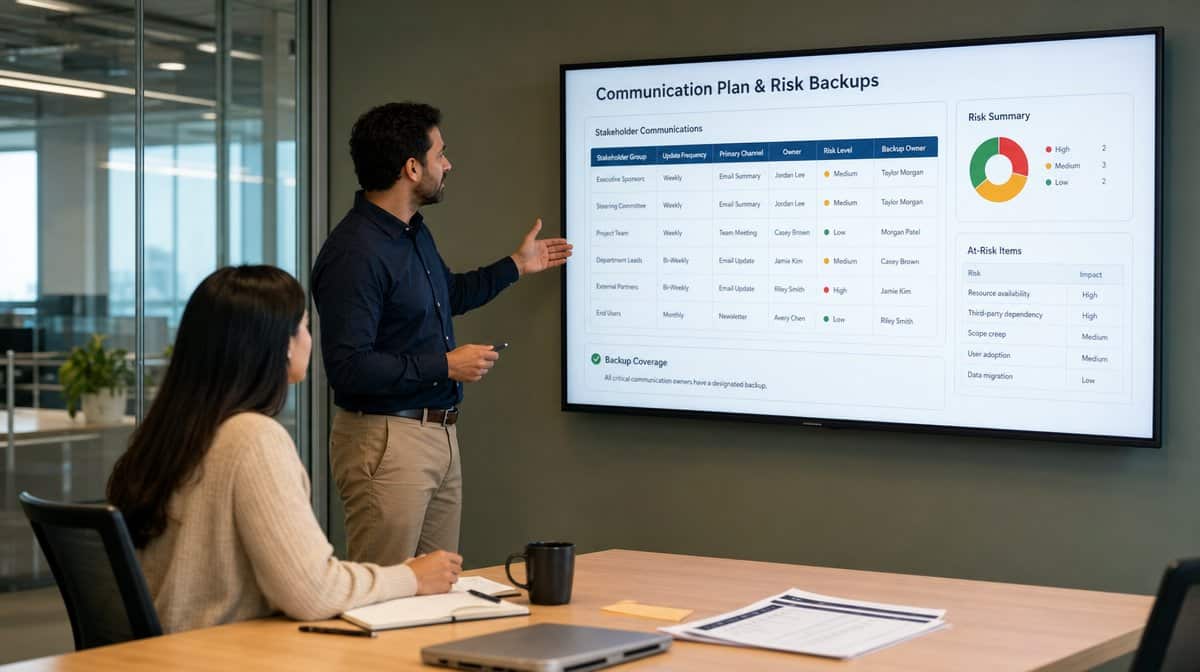
As you are building your checklist, outline how you will keep all stakeholders up to speed on the project, especially if your team works across locations and depends on remote team productivity tools. A communication plan keeps updates from becoming random, duplicated, or forgotten.
Here are some things to consider:
- Who will receive updates on the project?
- How often will they receive updates?
- What is the format for your communication?
- Who is responsible for sending each update?
- What issues require escalation before the next scheduled update?
The answers belong in the checklist because communication is part of the work. If a stakeholder only hears about a delay after a deadline has been missed, the checklist did not give the team enough visibility.
5. Identify Any Risks
One of the biggest reasons why checklists do not get used is because the people who created them did not think through dependencies. This is where you need to review all of the steps in your checklist and identify any dependencies or risks where the work could stall out.
Going back to the Shopify website example, let’s say you are on the wireframes checklist. You are waiting on Becky in Design to create some website graphics. However, you just find out she is on vacation for two weeks. Now the checklist is stalled until Becky comes back.
This could be avoided if you assign a back-up for each task. If Becky is on vacation or out sick, Billy can fill in on the design assets and keep the project rolling. While this is a simple example, the more risks you identify upfront and the more backup plans you create, the greater chance you have to adapt when something goes wrong. For more formal risk planning, a project risk assessment can help you sort risks by likelihood and impact.
6. Integrate Your New Checklist With Your Project Management Software
Finally, make sure your new checklist is integrated directly into your project management software and the team’s workflows. A checklist that sits in a forgotten document does not control the project. It needs to appear where people already assign tasks, update deadlines, record blockers, and review progress.
If you can make the checklist easy to use and highly visible, you increase the likelihood that your team will use it every time. If you do not have project management software or you are thinking about switching, use a checklist to evaluate whether the software supports the way your team actually works. ProcessKit’s updated guide to agency project management is one useful example of how agencies can think through recurring project workflows.
How Do You Prepare a Project Management Checklist?
To prepare a project management checklist, start by defining the project goal, then list the budget, resources, deliverables, deadlines, communication plan, risks, backup owners, and software location for the work. The six-step approach keeps your projects running smoothly and gives the team a better chance of completing the work on time and on budget.
A checklist is most useful when it is specific enough to guide action and visible enough to shape behavior. Treat it as part of the workflow, not as a document created once and forgotten after kickoff.
Frequently Asked Questions
What Is a Project Management Checklist?
A project management checklist is a structured list of tasks, decisions, owners, resources, deadlines, risks, and communication steps needed to move a project from kickoff to completion. It helps the team see what must happen, who is responsible, and where the project could stall.
Why Are Checklists Important in Project Management?
Checklists are important because they turn project expectations into visible steps. They help teams complete work on time, on budget, and to quality standards by reducing missed tasks, unclear ownership, and late risk discovery.
What Should Be Included in a Project Management Checklist?
A project management checklist should include the project goal, budget, required resources, deliverables, deadlines, communication plan, risk dependencies, backup owners, and software or workflow location where the checklist will be used.
How Do You Break a Project Into Checklist Phases?
Break the project into phases that match how the work will actually happen. For example, a client onboarding project might include a first week checklist, a wireframe checklist, a first draft checklist, and an internal QA checklist.
How Should Project Risks Be Handled in a Checklist?
Project risks should be listed before work begins, with each dependency tied to a backup plan or backup owner. If Becky in Design is unavailable, Billy should already know when and how to step in so the project keeps moving.














