
How Do Businesses Protect Data from a Data Breach?

Technology has made daily business faster and more efficient, but every connected system adds another place where sensitive data can be exposed. A data breach can begin with a phishing message, outdated software, a compromised password, or user access that was never removed. Businesses protect data by combining employee training, updated software, controlled access, multifactor authentication, security software, tested backups, and a disaster recovery policy.
The goal is not to find one perfect security application. It is to build layers that protect sensitive files, preserve network integrity, limit the actions malicious actors can take, and help the organization recover when prevention fails. The following security best practices connect people, technology, and practical recovery planning.
What Is a Data Breach?
A data breach occurs when an unauthorized person accesses, exposes, alters, or steals sensitive data. Malicious actors may compromise networks through social engineering and phishing, known software vulnerabilities, compromised passwords, malware, or excessive user access. According to the Verizon 2026 Data Breach Investigations Report, organizations still face a mix of human, credential, vulnerability, and third-party risks, which is why no single control is enough.
In an ideal world, the technology ecosystem would function without deliberate attempts to destabilize it. Our world is far from perfect, so prevention depends on both security software and human interaction. A practical program reduces the chance of a breach, detects suspicious actions, contains an attack, and supports a recovery plan when the worst happens.
How to Prevent a Data Breach in Your Business
A business does not need an enterprise-sized security department to improve its defenses. It does need clear ownership, consistent standard security procedures, and controls matched to the sensitivity of its data. The CISA resources for small and medium businesses provide a useful federal starting point for training, account protection, software updates, backups, and incident response.
1. Train Employees
Employees are often the most vulnerable target because many data breaches involve a human agent. This is why staff training is crucial. Most of the time, hackers take advantage of social engineering and phishing to make people open an attachment, share credentials, approve a false request, or take another action that helps an attacker gain entry into a network.
No matter the type of security software you use, continuously train employees to prevent a data breach from their end. Training should show people how to recognize suspicious messages, verify unusual payment or access requests through a separate channel, report a mistake quickly, and avoid moving sensitive data into unapproved applications. Short, repeated exercises are more effective than a once-a-year presentation because the threats and the work both change.
Make reporting safe and simple. An employee who clicks a malicious link and reports it immediately gives the security team time to reset credentials, isolate a device, and inspect activity. Punishing honest reports encourages silence and gives malicious actors more time to work.
2. Keep All Software Updated
Hackers exploit security loopholes in outdated software. To avoid aiding criminals who scour the internet for known software vulnerabilities, keep operating systems, applications, browsers, plugins, routers, and security tools updated. Get rid of applications you are no longer using, because abandoned software can remain an unmonitored entry point.
Create an inventory of the software and devices the business depends on, assign an owner to each one, and set a schedule for reviewing updates. Apply urgent security patches quickly, especially when a vulnerability is being actively exploited. Where automatic updates are appropriate, enable them and confirm they are completing successfully rather than assuming every device is current.
Updates also apply to services managed by vendors. Ask providers how they handle vulnerabilities, how quickly they notify customers of a security breach, and whether they can show evidence of regular testing. A current application running on an unsupported server is not a complete solution.
3. Control User Access
In your organization, everyone should not have access to sensitive files. There should be an information security policy that dictates who has access to what. Give people the minimum access needed for their current responsibilities, and reserve highly sensitive data for trained and trustworthy officials.
Review access when an employee changes roles, leaves the organization, or no longer needs a system. Remove inactive accounts, separate administrator accounts from everyday accounts, and require approval for access to financial, customer, employee, and operational data. These checks reduce the chance that one compromised account can reach the entire ecosystem.
Keep a record of who approved access and when it was last reviewed. Logs help the business detect unusual actions and reconstruct what happened after a data breach. Access control is most effective when policy, account settings, and regular management review all agree.
4. Implement Password and Multifactor Authentication Best Practices
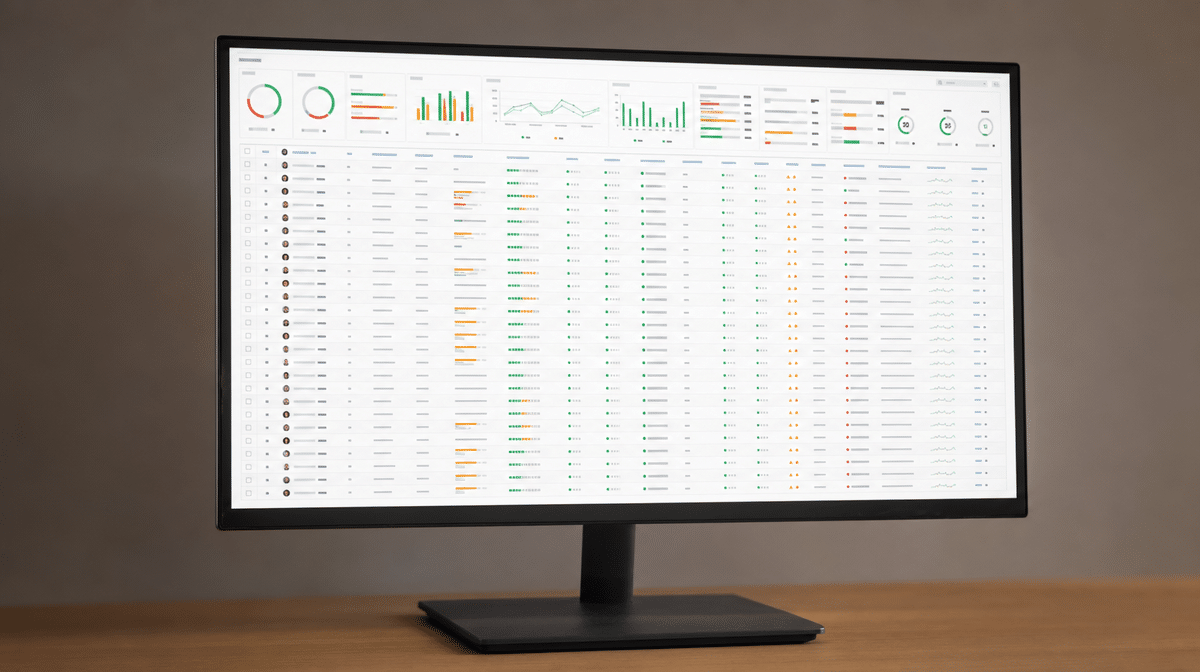
Significant cases of data breaches are traceable to compromised passwords. Attackers use automated tools and techniques to guess, steal, or reuse credentials, so even a strong password can be compromised through phishing or another breached service. Every employee should use a unique password for each business account and store it in an approved password manager rather than a document, browser note, or shared message.
Require multifactor authentication for email, remote access, administrator accounts, financial systems, cloud services, and other sensitive applications. Older two-factor authentication methods use passwords plus codes or biometrics. Where a service supports it, phishing-resistant security keys or passkeys provide stronger protection because an employee cannot easily hand the second factor to a fake login page.
Authentication controls need operational support. Disable default passwords, block common or previously compromised passwords, protect account-recovery channels, and alert administrators to repeated failed logins or new devices. Never share a login when individual accounts are available, because shared credentials remove accountability and make secure removal difficult.
5. Invest in Security Software
Security programs such as antivirus, anti-malware, firewalls, endpoint protection, email filtering, and monitoring do not work in isolation. They do a great job of blocking or detecting many threats, but human interaction is paramount. A security application supports employee training, access control, software updates, and good operating procedures; it does not negate them.
Choose tools that match the devices, information, and risks in the business. Confirm that alerts go to a person who can act, logs are retained long enough to investigate, and critical devices cannot silently disable protection. Security software that produces warnings nobody reviews creates a false sense of safety.
With good research, you can find a trustworthy security firm or managed platform. Before buying software, define the problem it needs to solve, the data it can access, and the evidence that will show it is working. Review the configuration after major business or technology changes.
6. Consult Security Experts
As much as a business may like to figure things out on its own, an expert evaluation can provide professional security insights that internal teams miss. This is particularly valuable when the organization handles regulated or sensitive data, has no dedicated security role, is moving critical systems to the cloud, or has recently experienced suspicious activity.
A qualified security firm can review network architecture, user access, patching, backups, incident response, and vendor dependencies. Ask for findings ranked by business risk and a practical remediation plan, not only a list of technical defects. The organization should still assign an internal owner, because contracting a security expert does not transfer responsibility for protecting data.
Smaller businesses may also use a Managed Service Provider for monitoring, maintenance, or recovery support. Evaluate the provider’s own access controls, backup practices, incident-notification terms, and ability to restore service. A provider with broad administrator access becomes part of the risk picture.
7. Use a VPN Carefully
A virtual private network, or VPN, can provide a secure and confidential connection between an approved device and a trusted network. It is useful when employees need remote access to internal systems or must work across an untrusted public network. The encrypted connection helps protect data shared over public networks and cuts off casual prying eyes.
A VPN is not a complete data-breach prevention program. If an attacker already controls the device or steals valid credentials, the secure connection may give that attacker a path into the network. Protect VPN accounts with multifactor authentication, keep the software and gateway updated, limit which systems remote users can reach, and review connection logs for unusual locations or times.
Choose a business-appropriate service or have a qualified expert configure and maintain a self-hosted option. A Raspberry Pi 4 can be turned into a virtual private network server as a technical project, but the organization must still secure the operating system, manage keys, apply updates, monitor the service, and plan for failure. The lowest-cost setup is not necessarily the safest or easiest to maintain.
8. Back Up Files and Test Recovery
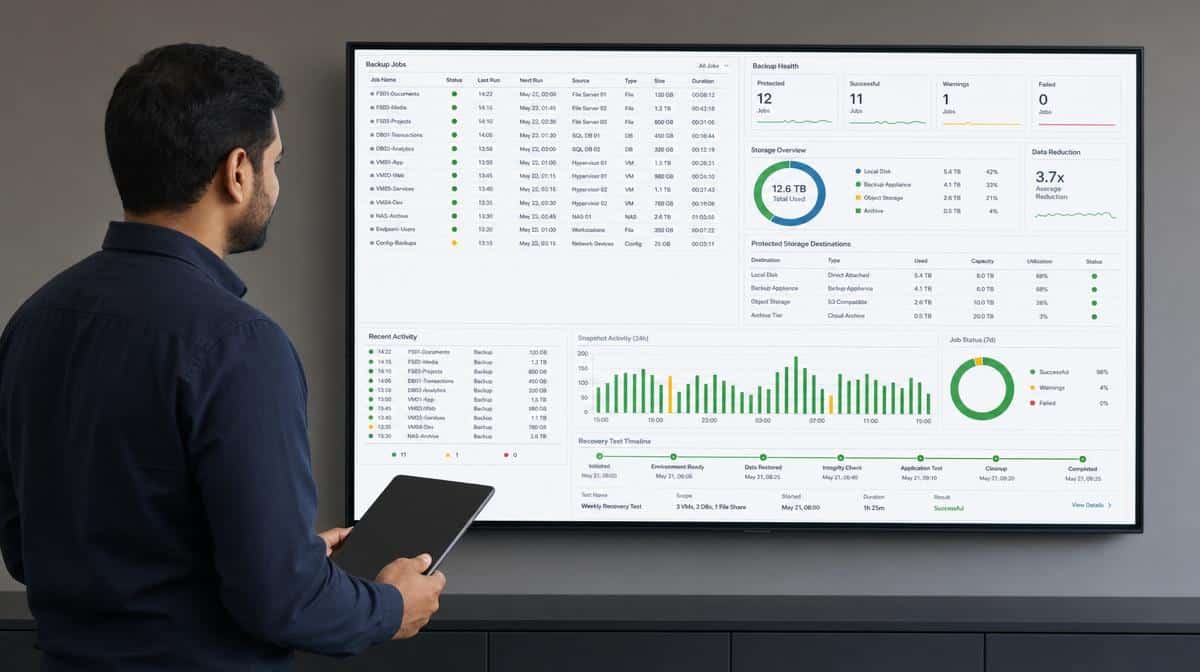
Instituting a strict backup policy is critical for a quick recovery. Back up files as frequently as the business can tolerate losing changes, using an appropriate cloud solution for business or another protected platform. Make sure you have at least three copies of important data: an on-premise copy, a copy in another physical location or protected environment, and a copy in the cloud.
Separate backup credentials from normal user and administrator accounts so a compromised password cannot erase every copy. Keep at least one backup protected from immediate alteration, and monitor jobs for failures. A green status from last month does not prove that today’s files are recoverable.
Test restores on a schedule. Confirm that the business can recover the right files, applications, settings, and records within the time required to maintain workflow. Document who starts a restore, who validates the data, how customers and employees are informed, and what happens if the primary cloud or on-premise system is unavailable.
9. Institute a Disaster Recovery Policy
As much as organizations try to prevent data breaches, they should be ready for the worst. A disaster recovery policy does not stop every cyber-attack or disaster. It stipulates the practical ways to contain damage, restore a backup, maintain workflow, and return critical systems to operation.
The plan should name responsible officials, escalation contacts, critical vendors, recovery priorities, and decision points. It should explain how to isolate affected devices, preserve evidence, change compromised credentials, communicate with customers and employees, and meet legal or contractual notification duties. If an organization outsources recovery work to a Managed Service Provider, the responsibilities and access needed during an incident should be clear before the event.
Any organization that lacks a disaster recovery plan is uncertain about its continuity. A major attack can disrupt everything the business has built, even when reliable backups exist. Exercise the plan with realistic scenarios, record the gaps, and update procedures after changes to people, systems, data, or suppliers.
How Can You Prevent Data Breaches and Protect Business Data?
As a business owner or manager, it is your responsibility to prevent data breaches and protect data in your organization. Knowing what causes a security breach helps with prevention planning, but the strongest program connects that knowledge to owners, policies, technology, training, and verified recovery steps.
Start with the simple controls that are often overlooked: train employees, update software, restrict user access, protect passwords with multifactor authentication, monitor security tools, and maintain tested backups. Then use security experts to examine the gaps that present the greatest risk to the organization.
Hackers will continue innovating and devising new means of wreaking havoc. Proven security best practices and practical data protection tips reduce the opportunity for an attacker and limit the pain of losing precious data. These standard security procedures are simple in concept, but they only work when the business applies, tests, and improves them continuously.
Frequently Asked Questions
What Is a Data Breach?
A data breach occurs when an unauthorized person accesses, exposes, alters, or steals sensitive data. It may involve phishing, compromised passwords, malware, excessive user access, or known software vulnerabilities.
How Can Employee Training Prevent a Data Breach?
Training helps employees recognize social engineering and phishing, verify unusual requests, protect credentials, and report mistakes quickly. Fast reporting gives the organization time to contain suspicious actions before they spread.
Why Should Businesses Keep Software Updated?
Hackers exploit security loopholes in outdated software and scan the internet for known vulnerabilities. Timely updates, removal of unused applications, and an accurate technology inventory reduce those entry points.
How Do Access Controls and Multifactor Authentication Protect Data?
Access controls limit sensitive files and systems to people who need them, while multifactor authentication adds another check when a password is compromised. Together they reduce the damage one account can cause.
What Should a Data Breach Recovery Plan Include?
A recovery plan should identify responsible officials, containment steps, communication duties, critical systems, backup locations, restore procedures, recovery priorities, and outside partners. The organization should exercise the plan and test restores before an actual breach.














